Buying guide Security Cameras
Best security cameras for everyday app use: eight practical choices
Compare eight cameras by everyday controls, recording retrieval and physical power routines, with practical fits and source-qualified grades.
The reading room
The recommendations, individual reviews, and comparisons in this collection.
Buying guide Security Cameras
Compare eight cameras by everyday controls, recording retrieval and physical power routines, with practical fits and source-qualified grades.
Product review Security Cameras
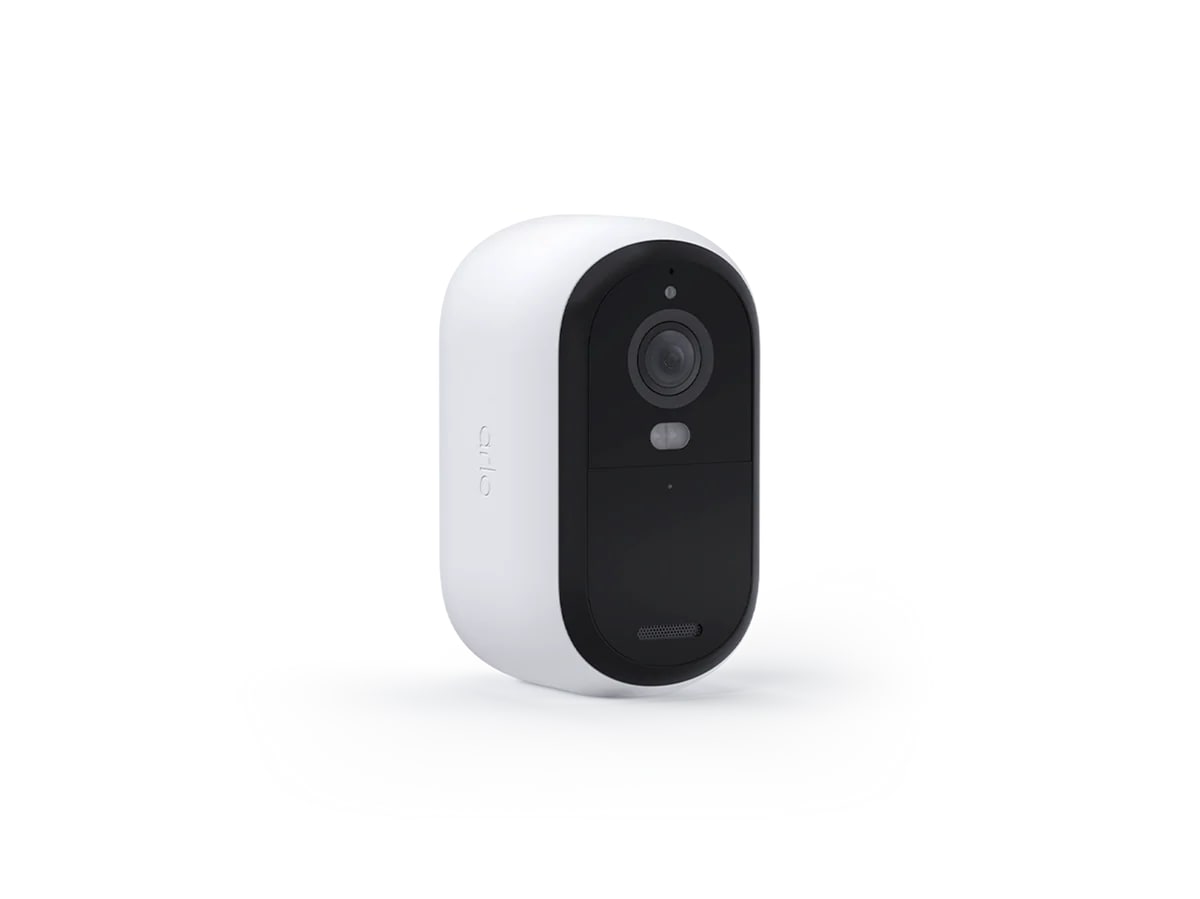
Arlo’s regular second-generation 2K camera suits someone happy to learn two routes through the app: one for a live look, another for recordings and settings. Feed gives recorded footage a useful home, but the route was not obvious to the reviewer at first. The slide-off wall plate makes removal straightforward; limited angle adjustment and an integrated battery make reachable placement especially important.
Product review Security Cameras
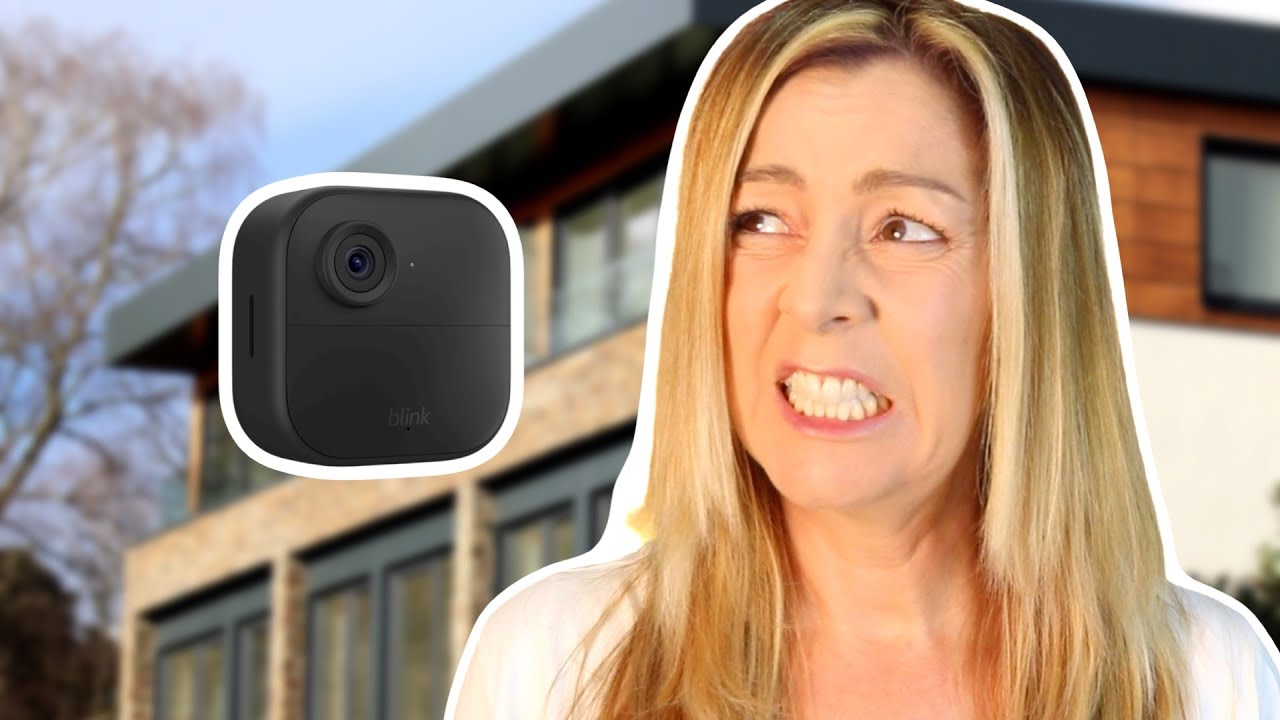
Blink Outdoor 4 can suit someone willing to learn its separate recording, arming and phone-notification controls. Security.org describes easy history browsing and direct phone downloads with a subscription, while Erin Lawrence finds those setup controls unnecessarily fragmented. The archive is the stronger part of this everyday-use assessment; replaceable batteries and the reviewed module setup add physical tasks to plan.
Product review Security Cameras
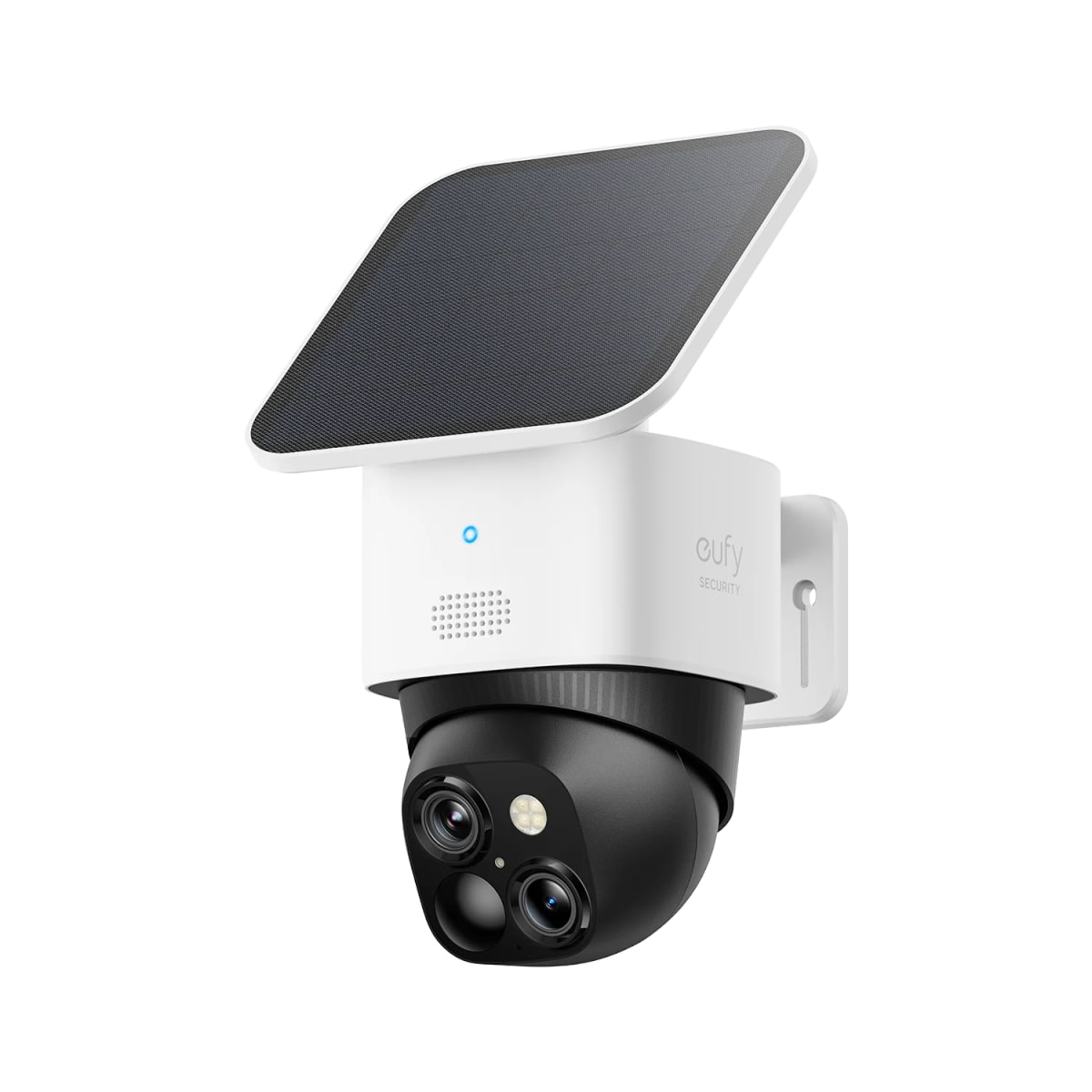
The S340 is appealing when the best camera view and the best solar-panel position are different places. Its app shows charge and solar-generation information, and a February 2025 review describes easy phone downloads from the camera’s onboard recording setup. For a roadside view, check a more specific compromise: one reviewer could not keep vehicle recordings while silencing only their notifications.
Product review Security Cameras
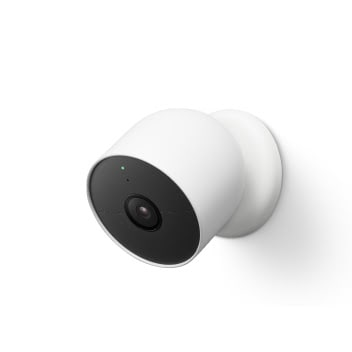
Nest’s battery camera is worth considering for its Google Home settings and removable magnetic body, but history access needs particular attention. One historical Nest Battery deployment reported repeated loading failures; a separate walkthrough describes working history and downloads. Its 6/10 overall grade reflects that specific caution alongside usable controls and a charging cable you need to keep track of.
Product review Security Cameras
The Argus 4 Pro is a strong shortlist choice when you often want to narrow recorded events and save one to a phone. LifeHackster shows playback, a person-only filter and downloading in the same walkthrough. Its wide live view may be easier to use with the phone turned sideways, while separate charging and card covers need room around the mount.
Product review Security Cameras
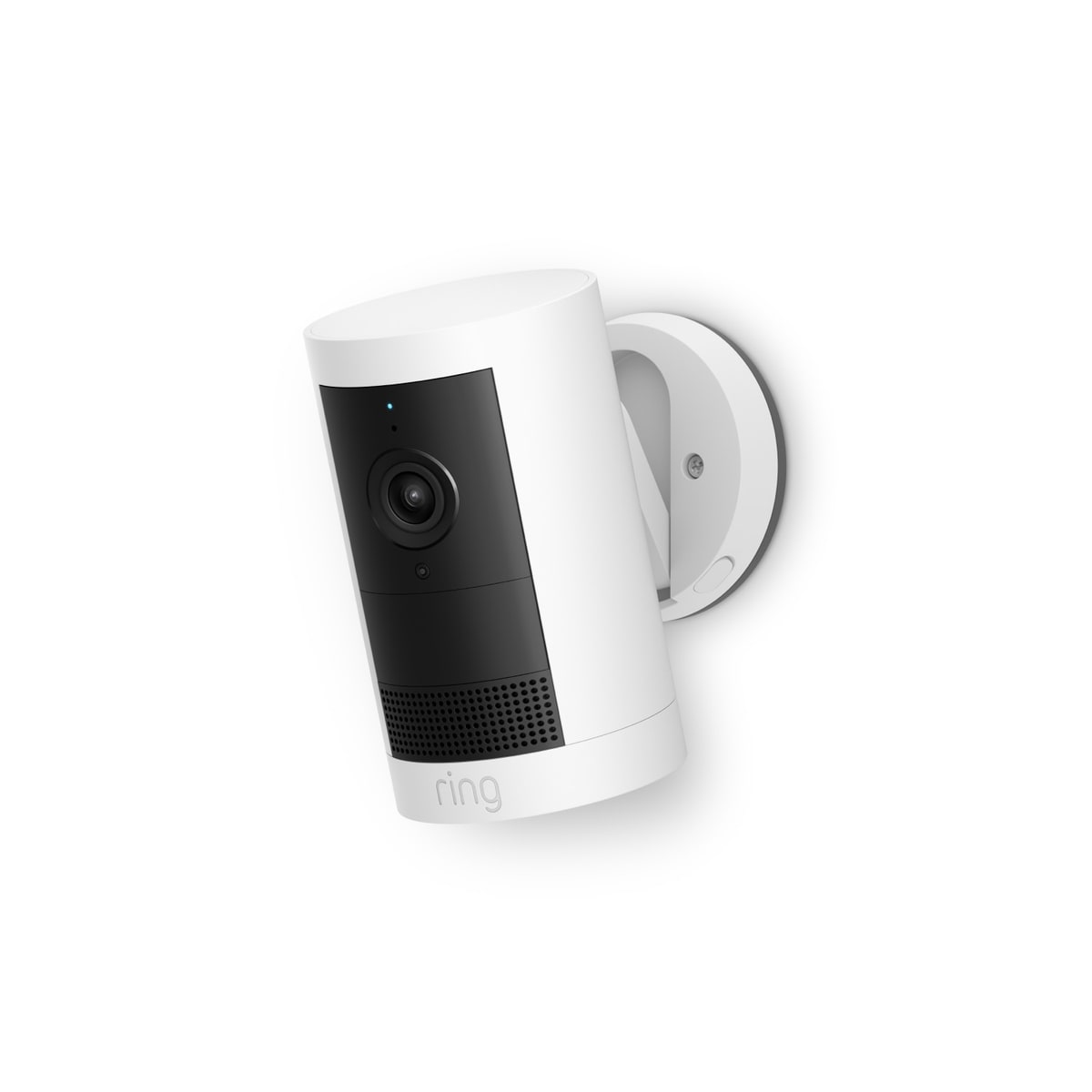
Ring Outdoor Cam Plus, Battery is a strong choice when a permanent camera power lead would be awkward. The reviewed app combines straightforward settings with date and event-type sorting and phone saves. It ties Tapo C120 at 8.7/10 for these everyday tasks, but replaces Tapo’s cable-routing job with battery handling and uses a subscription recording setup in the cited reviews.
Product review Security Cameras
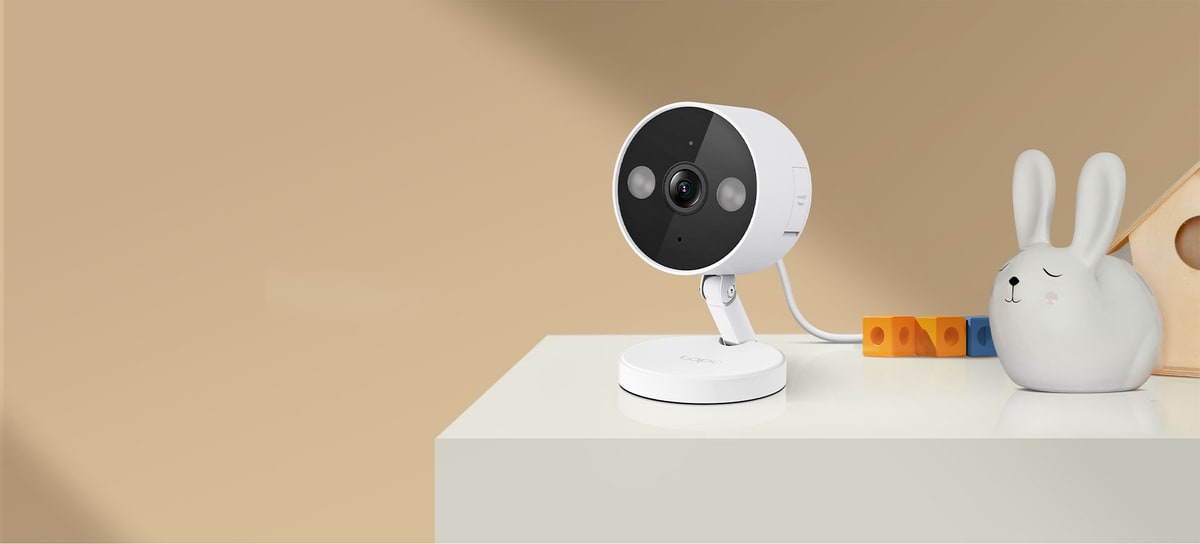
Tapo C120 is a strong starting point for a location with practical permanent power. Its reviewed app puts live-view actions beside a labeled playback/download entry, while a zoomable timeline helps you browse recordings. The adjustable magnetic base is convenient for aiming; the cable route and side card cover deserve as much attention as the view.
Product review Security Cameras
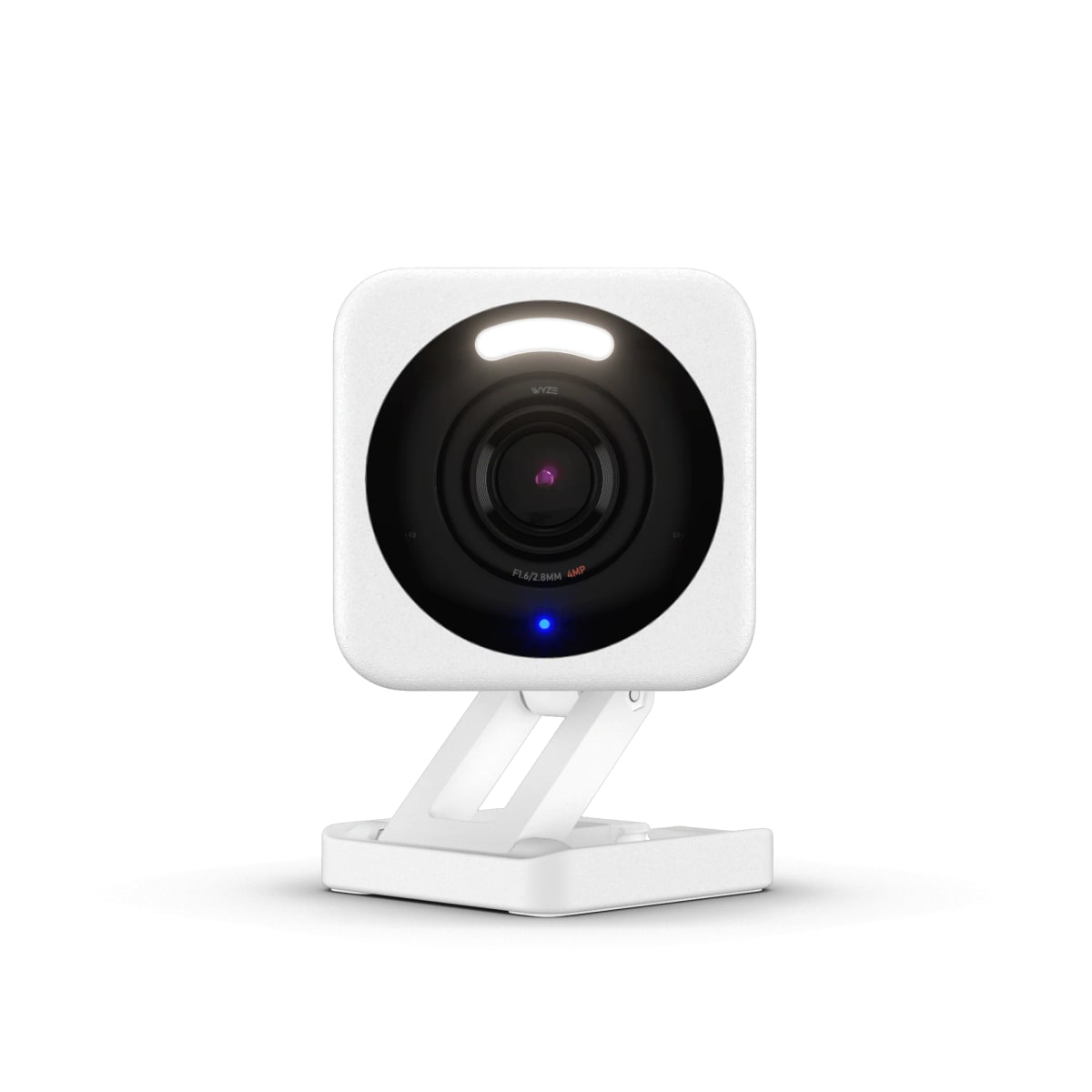
Wyze Cam v4 suits a powered location and a buyer comfortable with two recording destinations. LifeHackster shows an SD-card timeline and a separate cloud-event list, with phone downloads described from that list using Cam Plus. The magnetic stand helps positioning, while the micro-USB lead and underside card cover make access part of the installation decision.
Compare the choices, then follow the individual reviews for more detail.