
The recommendation
Choose Ring when battery placement and easy date/event sorting suit your routine. Choose the equally graded Tapo C120 instead if a permanent power lead is easy to route and you prefer its labeled playback entry and zoomable timeline. With Ring, allow for both battery access and the recording service you plan to keep.
Grades at a glance
| Product | Overall | App navigation and ordinary controls | Finding and saving an event | Physical handling and power routine |
|---|---|---|---|---|
| Ring Outdoor Cam Plus, Battery | 8.7 | 9.0 | 9.0 | 8.0 |
Does it fit your life?
Who should choose it
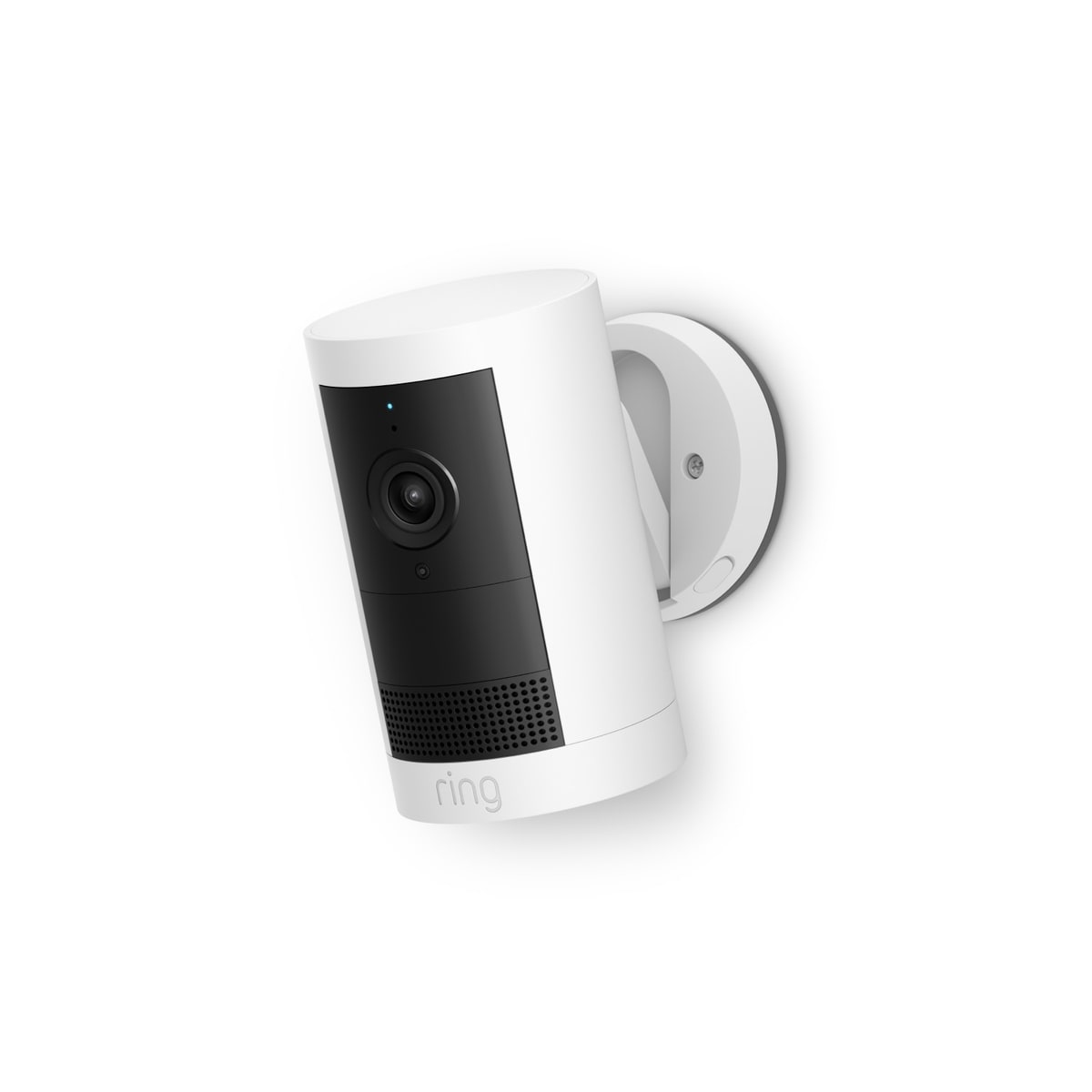
Ring Outdoor Cam Plus, Battery is a strong choice when a permanent camera power lead would be awkward. The reviewed app combines straightforward settings with date and event-type sorting and phone saves. It ties Tapo C120 at 8.7/10 for these everyday tasks, but replaces Tapo’s cable-routing job with battery handling and uses a subscription recording setup in the cited reviews.
Updated October 16, 2026. Compare the eight-camera guide or jump to grades, controls, recordings, handling and the decision.
Everyday-use grades
| Everyday task | Grade / 10 |
|---|---|
| App navigation and ordinary controls | 9 |
| Finding and saving an event | 9 |
| Physical handling and power routine | 8 |
| Overall | 8.7 |
Grades compare app controls, finding and saving recordings, and physical handling. They are based on the linked historical reviews and reports, not firsthand testing by us. Security, privacy, detection accuracy, image/audio quality and battery duration are outside this assessment.
Using the everyday controls
Security.org selects the battery version and describes the app as straightforward for live viewing and settings. Guided setup takes the camera through the add-device process, while motion schedules sit alongside the other motion controls. These are useful routes for setting up the camera and returning later to change its behavior.
The 9/10 controls grade reflects that approachable interface. A schedule is worth examining if, for example, you want to avoid movement alerts during a regular period of activity around the camera. Erin Lawrence describes that use in her review. Check the schedule you would actually keep, including how you would change it again.
Sources: Security.org — 2K Upgrade? | Ring Outdoor Cam Plus (Battery) Review; Erin Lawrence — Full Review +: What's new? Ring Outdoor Cam Plus (Wireless)
Finding and saving a recording
Erin Lawrence describes sorting or grouping footage by date or event type, including people events, then saving a selected video to the phone from the menu. That is an appealing routine when you know roughly when something happened and want one clip from a larger archive. It earns 9/10 for retrieval.
She uses an ongoing recording plan, and Security.org also places event history and downloads in subscription use. Check the current plan and retention terms for the archive you want before buying. The useful historical finding is the route from a date or event category to a saved clip, not a promise of today’s service entitlement.
Sources: Security.org — 2K Upgrade? | Ring Outdoor Cam Plus (Battery) Review; Erin Lawrence — Full Review +: What's new? Ring Outdoor Cam Plus (Wireless)
Mounting, access and power chores
Security.org shows the base moving between the bottom and rear of the camera, with adjustment points that tighten to hold the angle. That makes it worth considering both wall and overhead positions rather than choosing a location from the base’s initial orientation. Charge the battery before installation, as the reviewer recommends.
Then think about the next time you will need to handle it. A good view high on a wall may be inconvenient for charging access. The 8/10 physical grade balances the adjustable base with that recurring chore; it does not estimate the time between charges. Plug-in and solar variants have their own arrangements and are not the selected battery model here.
Sources: Security.org — 2K Upgrade? | Ring Outdoor Cam Plus (Battery) Review
Which routine fits you
Choose Ring when battery placement and easy date/event sorting suit your routine. Choose the equally graded Tapo C120 instead if a permanent power lead is easy to route and you prefer its labeled playback entry and zoomable timeline. With Ring, allow for both battery access and the recording service you plan to keep.
Read the TP-Link Tapo C120 review or return to the comparison table.
Comparison sources: Security.org — 2K Upgrade? | Ring Outdoor Cam Plus (Battery) Review; Erin Lawrence — Full Review +: What's new? Ring Outdoor Cam Plus (Wireless); YouTube — Steve DOES — TP-Link Tapo C120: Big Features in a Tiny Package!; YouTube — George Langabeer — Tapo C120 Smart Security Camera: The Ultimate Unboxing and Review
Check the selected Amazon listing for the exact package, current terms and availability.
Sources and review context
Ring Outdoor Cam Plus, Battery
Ring
Battery placement with straightforward settings and date/event sorting
Ring Outdoor Cam Plus, Battery is a strong choice when a permanent camera power lead would be awkward. The reviewed app combines straightforward settings with date and event-type sorting and phone saves. It ties Tapo C120 at 8.7/10 for these everyday tasks, but replaces Tapo’s cable-routing job with battery handling and uses a subscription recording setup in the cited reviews.
Reasons to choose it
- The reviews describe approachable settings and date/event sorting with phone saves.
- The base can move between bottom and rear mounting positions.
Tradeoffs to know
- Battery charging requires an accessible installation.
- The cited event-history and download routines use a recording subscription.
Think twice if: Reaching the camera for battery handling would be difficult
Published specifications
- Everyday-use focus
- Battery placement with straightforward settings and date/event sorting
Further reading
Ratings
Editorial score 8.7
App navigation and ordinary controls9
Reviewer describes straightforward settings/live-view interface and motion scheduling in battery-model review.
Finding and saving an event9
Erin Lawrence demonstrates date/event-type sorting and saving a selected clip to phone via menu; historical plan context applies.
Physical handling and power routine8
The base moves between bottom and rear positions and locks the angle. The battery version needs charging preparation and accessible placement.
Sources & further reading
youtube.com review
youtube.com review
youtube.com review
youtube.com review
Keep reading
Something changed? Help us keep this useful.
Send a correction →