
The recommendation
Choose Blink if easy subscription-history browsing appeals and you are comfortable checking recording, arming and phone permissions separately. Compare Ring Outdoor Cam Plus, Battery for a more straightforward reviewed settings interface and date/event sorting. Confirm Blink’s exact kit and intended recording route before choosing accessories.
Grades at a glance
| Product | Overall | App navigation and ordinary controls | Finding and saving an event | Physical handling and power routine |
|---|---|---|---|---|
| Blink Outdoor 4 | 7.2 | 5.5 | 9.0 | 7.0 |
Does it fit your life?
Who should choose it
Blink Outdoor 4 can suit someone willing to learn its separate recording, arming and phone-notification controls. Security.org describes easy history browsing and direct phone downloads with a subscription, while Erin Lawrence finds those setup controls unnecessarily fragmented. The archive is the stronger part of this everyday-use assessment; replaceable batteries and the reviewed module setup add physical tasks to plan.
Updated October 16, 2026. Compare the eight-camera guide or jump to grades, controls, recordings, handling and the decision.
Everyday-use grades
| Everyday task | Grade / 10 |
|---|---|
| App navigation and ordinary controls | 5.5 |
| Finding and saving an event | 9 |
| Physical handling and power routine | 7 |
| Overall | 7.2 |
Grades compare app controls, finding and saving recordings, and physical handling. They are based on the linked historical reviews and reports, not firsthand testing by us. Security, privacy, detection accuracy, image/audio quality and battery duration are outside this assessment.
Using the everyday controls
Erin Lawrence’s Outdoor 4 account separates three checks: enable motion recording in the Blink app, arm the system and allow notifications in the phone’s settings. She describes recordings being present even while notifications were missing, then finding the relevant iPhone permission. A camera paired successfully was therefore not the end of her setup routine.
The 5.5/10 controls grade reflects the extra, non-obvious steps she describes. If you choose Blink, make a note of where each control lives and check them separately. That is more useful than repeatedly changing a recording toggle when the outstanding issue is phone permission.
Sources: Erin Lawrence — Blink Outdoor 4 wireless camera: some major red flags
Finding and saving a recording
Security.org’s Outdoor 4 account describes easy scrolling through history to find specific clips and direct downloads to a mobile device. LifeHackster separately identifies Clips as the destination for viewing and downloading cloud recordings during his trial. These are good reasons for the distinct 9/10 retrieval grade: browsing a recording that already exists is a different task from configuring alerts.
Both accounts use historical subscription or trial recording. Before buying, confirm the service and archive you intend to use. The reviewed Sync Module 2 kit may differ from the selected listing’s package revision; these findings do not establish its local USB recording routine.
Sources: Security.org — The Best Blink Camera? Blink Outdoor 4 Review; LifeHackster — Blink Outdoor 4 Review - Is it Worth It?
Mounting, access and power chores
LifeHackster opens the rear cover for two replaceable AA lithium batteries and shows the mount with an adapter for an overhead orientation. His installation also starts with setting up a separate Sync Module before adding the camera. The 7/10 physical grade reflects manageable hardware with several pieces and access steps to keep track of.
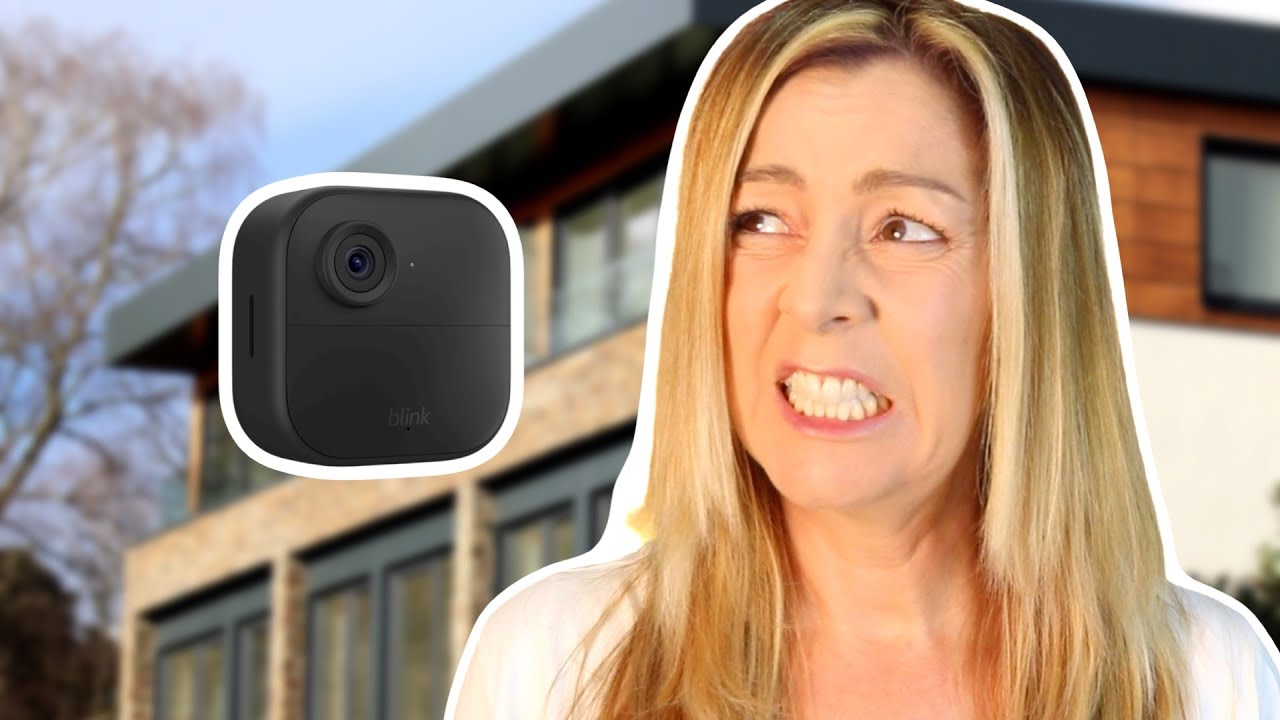
Choose a position where rear-cover access is practical and keep the mounting adapter with the other installation parts. Confirm the module supplied or required for the exact kit you buy. The credited reviewer thumbnail illustrates the presenter and camera; it does not establish bundle contents.
Sources: LifeHackster — Blink Outdoor 4 Review - Is it Worth It?
Which routine fits you
Choose Blink if easy subscription-history browsing appeals and you are comfortable checking recording, arming and phone permissions separately. Compare Ring Outdoor Cam Plus, Battery for a more straightforward reviewed settings interface and date/event sorting. Confirm Blink’s exact kit and intended recording route before choosing accessories.
Read the Ring Outdoor Cam Plus, Battery review or return to the comparison table.
Comparison sources: LifeHackster — Blink Outdoor 4 Review - Is it Worth It?; Erin Lawrence — Blink Outdoor 4 wireless camera: some major red flags; Security.org — The Best Blink Camera? Blink Outdoor 4 Review; Security.org — 2K Upgrade? | Ring Outdoor Cam Plus (Battery) Review; Erin Lawrence — Full Review +: What's new? Ring Outdoor Cam Plus (Wireless)
Check the selected Amazon listing for the exact package, current terms and availability.
Sources and review context
Blink Outdoor 4
Blink
Easy subscription-history browsing after deliberate setup checks
Blink Outdoor 4 can suit someone willing to learn its separate recording, arming and phone-notification controls. Security.org describes easy history browsing and direct phone downloads with a subscription, while Erin Lawrence finds those setup controls unnecessarily fragmented. The archive is the stronger part of this everyday-use assessment; replaceable batteries and the reviewed module setup add physical tasks to plan.
Reasons to choose it
- The subscription-use account describes easy event finding and direct phone downloads.
Tradeoffs to know
- Recording, arming and phone notifications need separate checks.
- Rear-cover battery access and a separate module are parts of the reviewed setup.
Think twice if: Separate recording, arming and phone-notification controls would be frustrating
Published specifications
- Everyday-use focus
- Easy subscription-history browsing after deliberate setup checks
Further reading
Ratings
Editorial score 7.2
App navigation and ordinary controls5.5
Erin Lawrence describes separate app recording/arming and phone notification settings as too many steps.
Finding and saving an event9
Security.org describes easy event-history scrolling, finding specific clips and direct mobile downloads in its subscription setup.
Physical handling and power routine7
Replaceable AA battery compartment requires opening rear cover; separate Sync Module setup and adapter mount add pieces to manage.
Sources & further reading
youtube.com review
youtube.com review
youtube.com review
youtube.com review
youtube.com review
Keep reading
Something changed? Help us keep this useful.
Send a correction →