Buying guide Monitor Arms
Best Monitor Arms: Choose by Setup, Movement and Cable Access
Compare six monitor arms by the jobs around your desk: mounting, initial tuning, changing viewing positions and reaching cables or ports.
The reading room
The recommendations, individual reviews, and comparisons in this collection.
Buying guide Monitor Arms
Compare six monitor arms by the jobs around your desk: mounting, initial tuning, changing viewing positions and reaching cables or ports.
Product review Monitor Arms
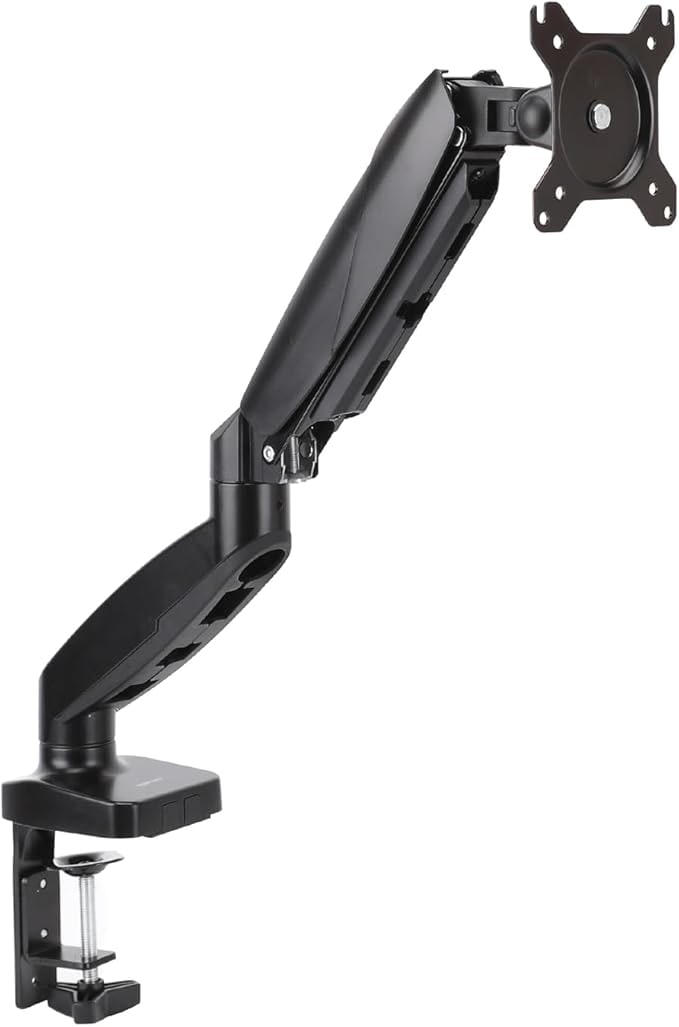
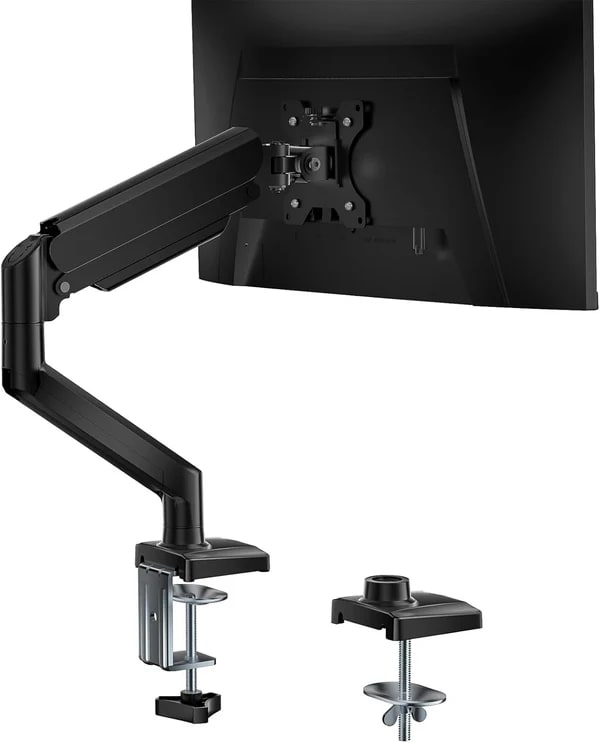
Consider Amazon Basics for clearing the stand from a single-screen desk and arranging wires in basic clips. Setup accounts are mixed, and the desired screen height deserves checking before purchase.
Product review Monitor Arms
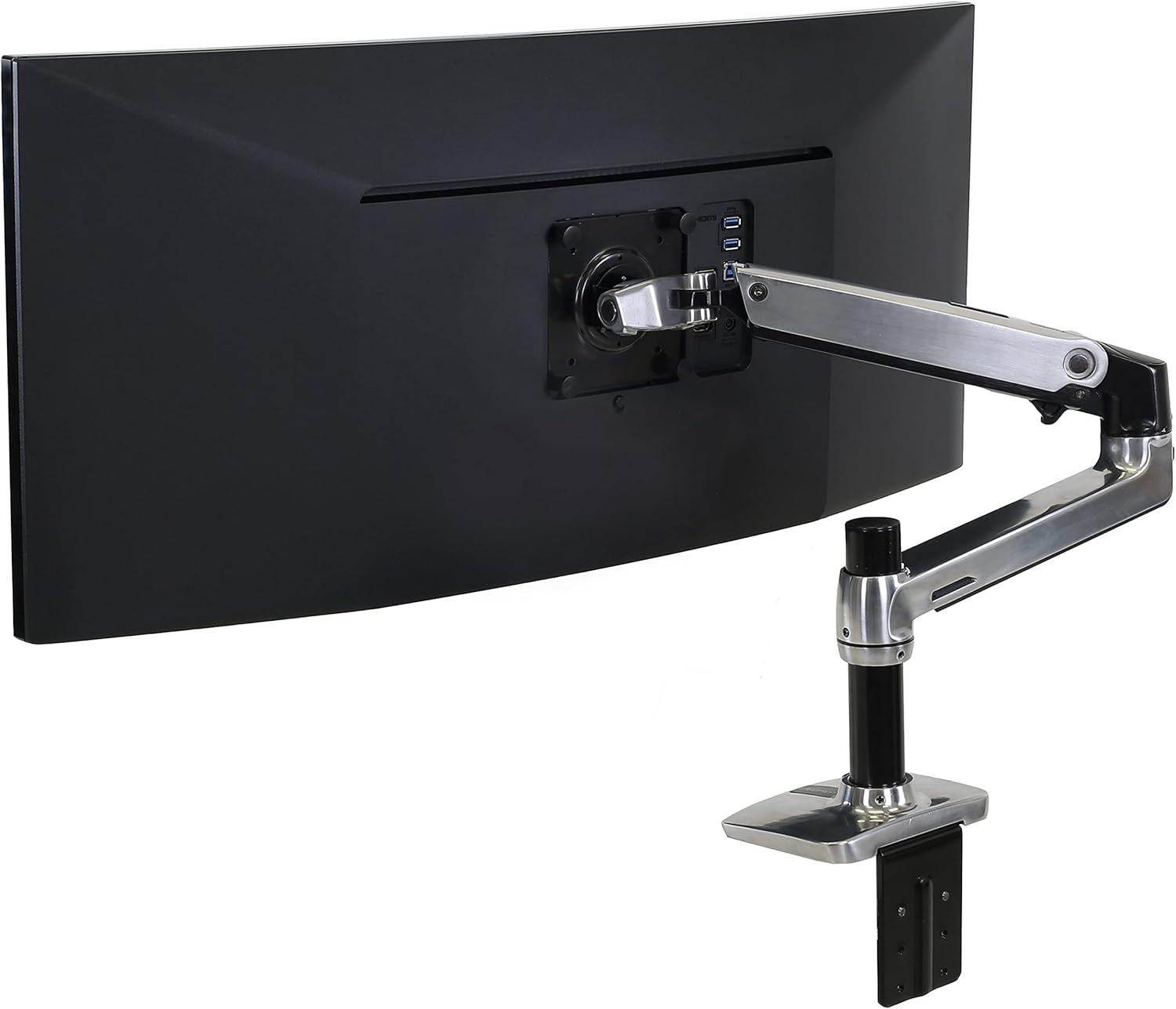
Consider the LX if you move one screen between viewing positions and can spend time on initial tuning. Its reported cable arrangement combines a lower-arm cover with separate upper-arm ties.
Product review Monitor Arms
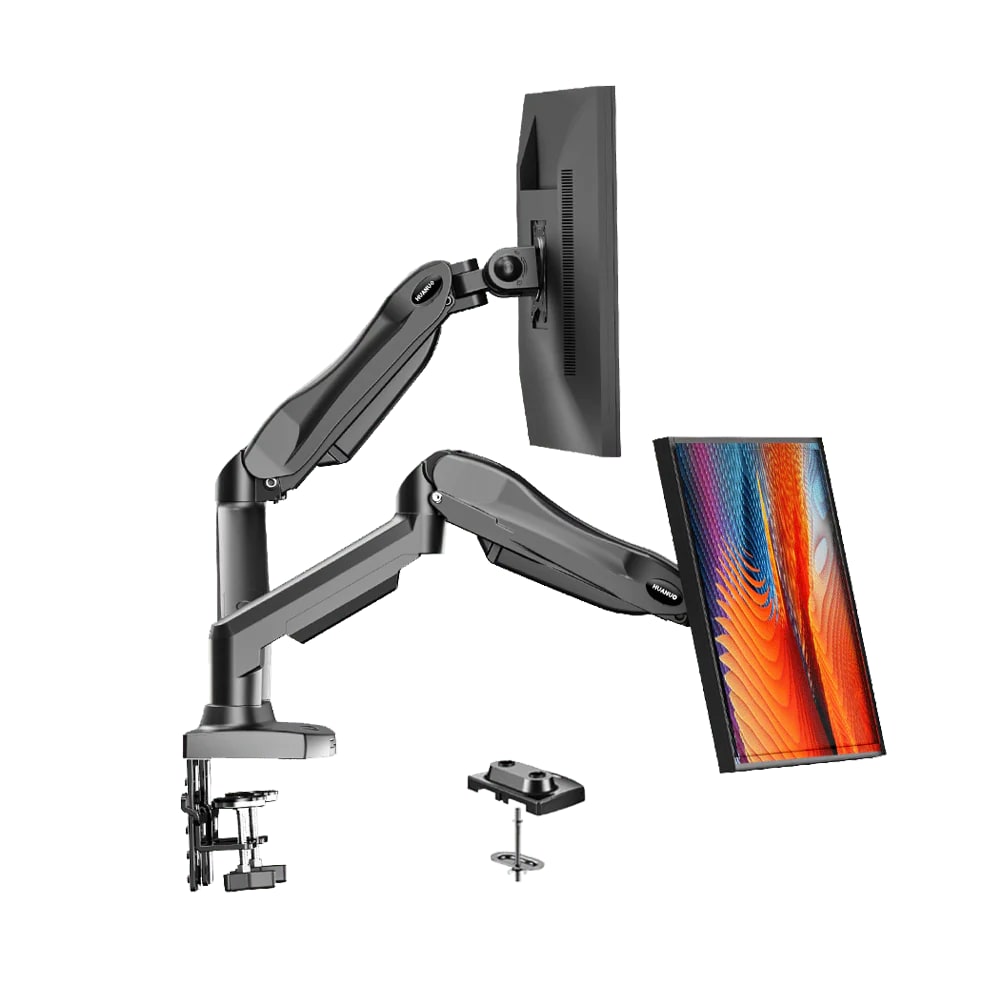
Consider the FlowLift Dual when you need two screens and want easier access to their bottom ports. Plan the desk positions carefully: accounts describe bulk on a narrow desk and work to get the initial adjustment right.
Product review Monitor Arms
The FlowLift Single is worth comparing if you prefer cables arranged under covers. Plan access beneath the desk for the clamp, at the adjustment controls and underneath the arm when wires change.
Product review Monitor Arms
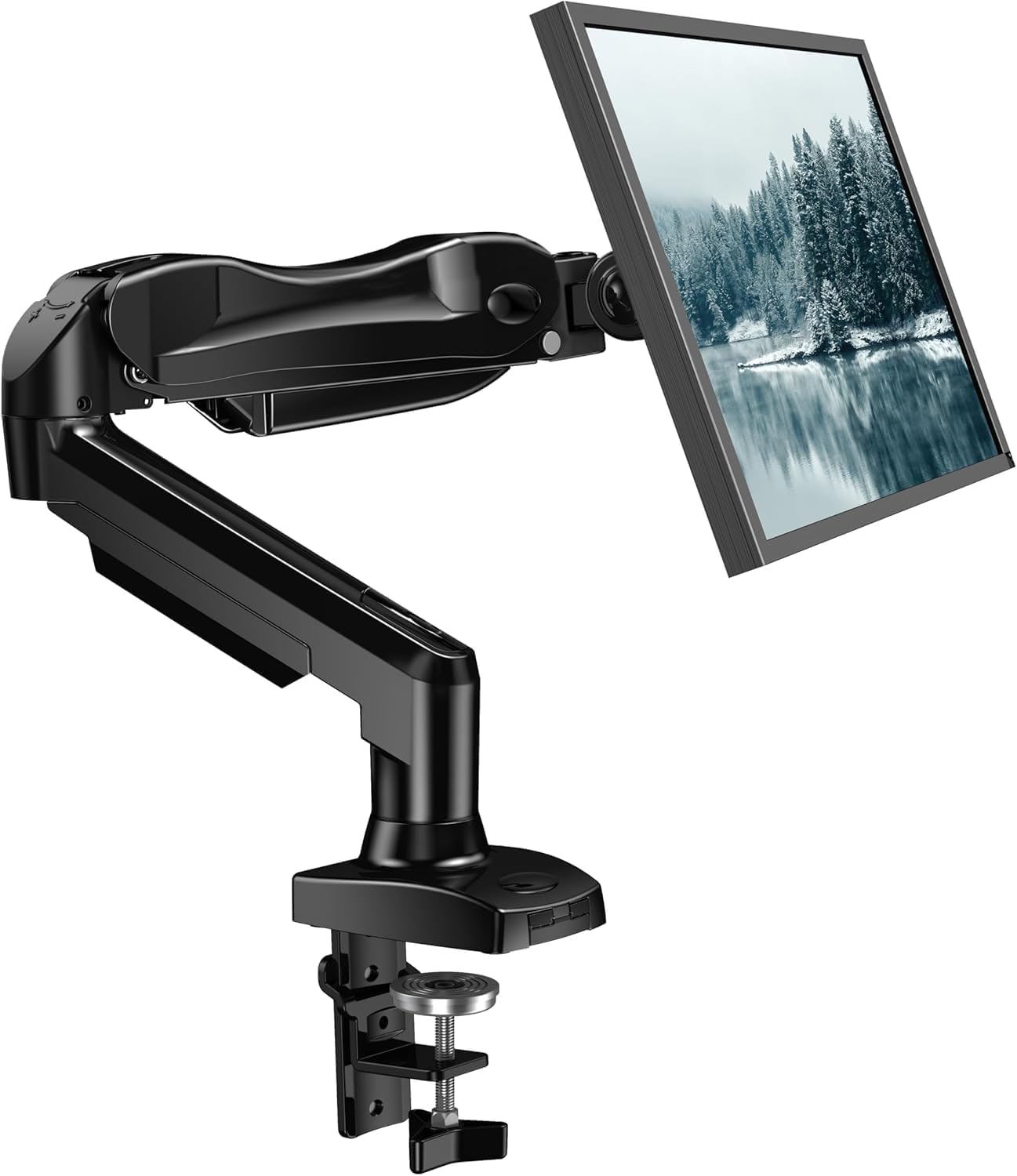
Consider this HUANUO single arm if you bring a screen forward for another desk activity and return it afterward. Allow time for installation and tilt tuning; reports include corrective angle setting and a wish for more reach.
Product review Monitor Arms
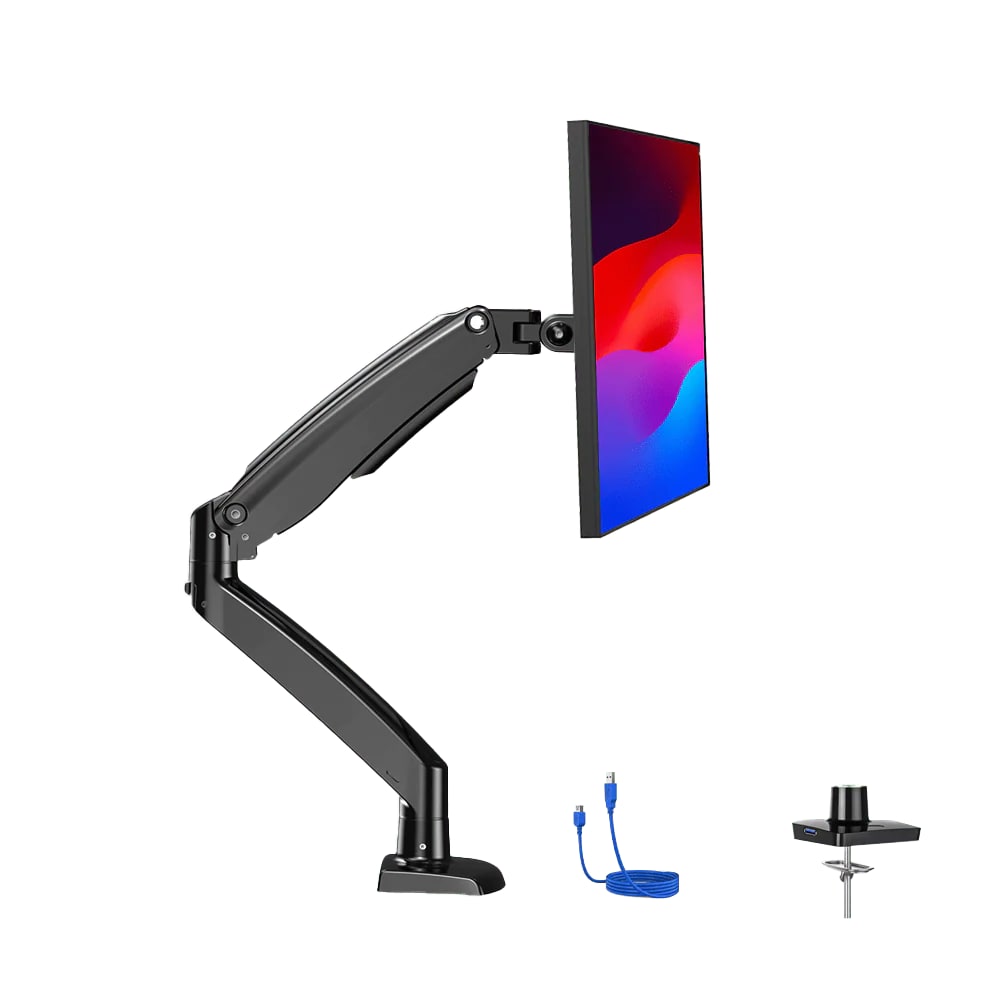
Start with WALI for a single-screen clamp setup with a power lead and DisplayPort cable to organize. The useful reports describe completing those jobs together, with hex-key tension tuning before easy repositioning.
Compare the choices, then follow the individual reviews for more detail.