Reviewed in order: Ergotron LX Desk Monitor Arm · HUANUO FlowLift Single Monitor Mount · HUANUO Single Monitor Arm for 13-49 inch Screens with USB · WALI GSMP001N Single Monitor Mount · HUANUO FlowLift Dual Monitor Stand · Amazon Basics Gas Spring Single Computer Monitor Arm
Best Monitor Arms in 2026: Stable Picks for Real Desks
A practical ranking for single monitors, ultrawides, budget desks, and dual-screen setups where sag, clamp fit, and tension adjustment matter more than a perfect product photo.
We compared six popular monitor arms by the problems that show up after installation: sag, wobbly tilt, clamp fit, cable routing, and whether the current listing clearly matches the arm you meant to buy.
00 · quick verdict
Ergotron LX is the safest overall single-arm pick, HUANUO FlowLift is the better mainstream value, and HUANUO’s ultrawide arm is the one to check before trusting a large curved screen to an ordinary mount.
Current winner
Ergotron LX Desk Monitor Arm
Premium single-arm pick for buyers who would rather pay for a polished, durable arm than gamble on a cheaper hinge.
MSRP
—
Amazon
$89.99
at writing · 2026-05-05
01 · best picks
The short list worth starting with.
#1 · Best overall
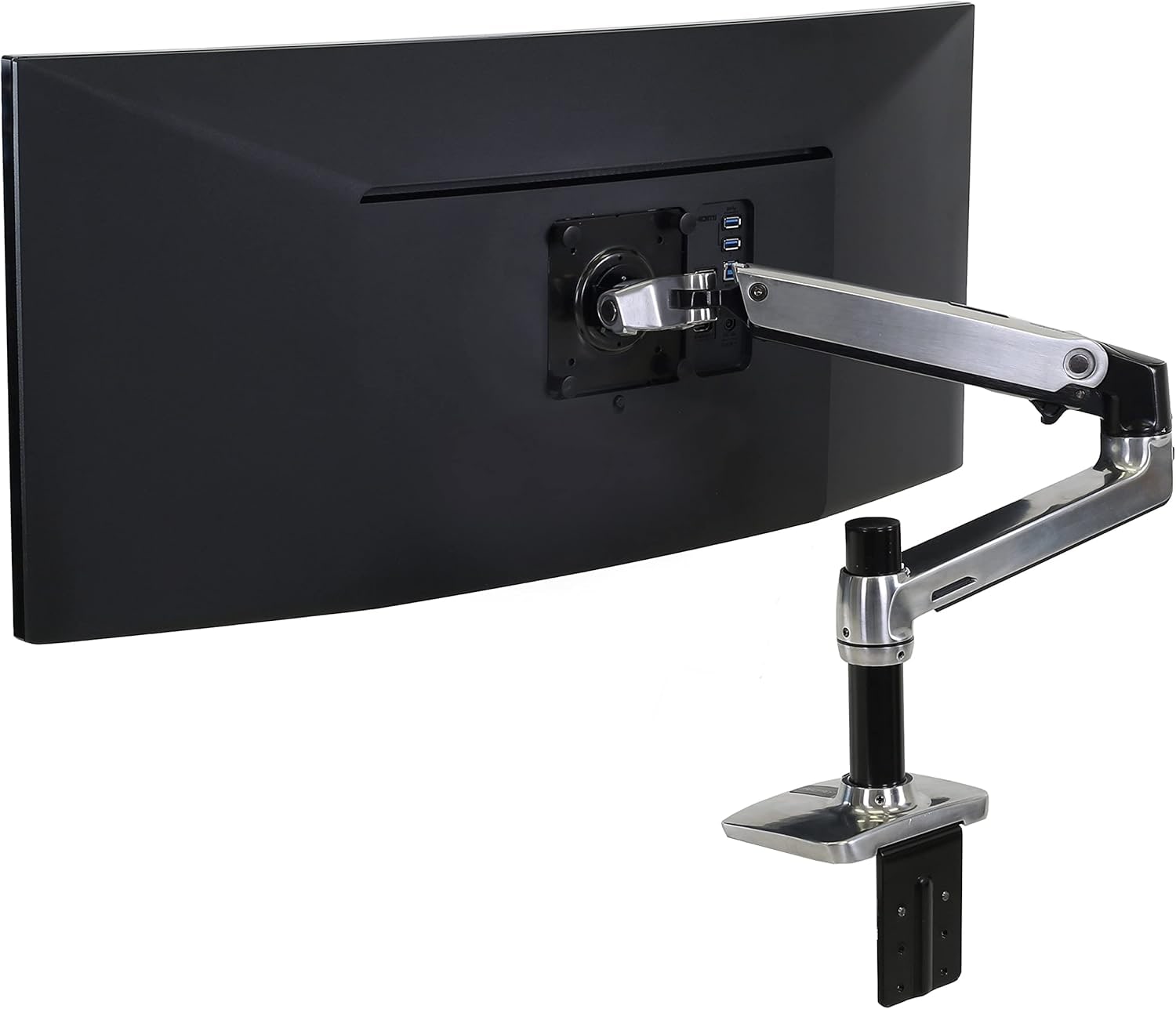
Ergotron LX Desk Monitor Arm
MSRP
—
Amazon
$89.99
at writing · 2026-05-05
Premium single-arm pick for buyers who would rather pay for a polished, durable arm than gamble on a cheaper hinge.
#2 · Best mainstream single arm
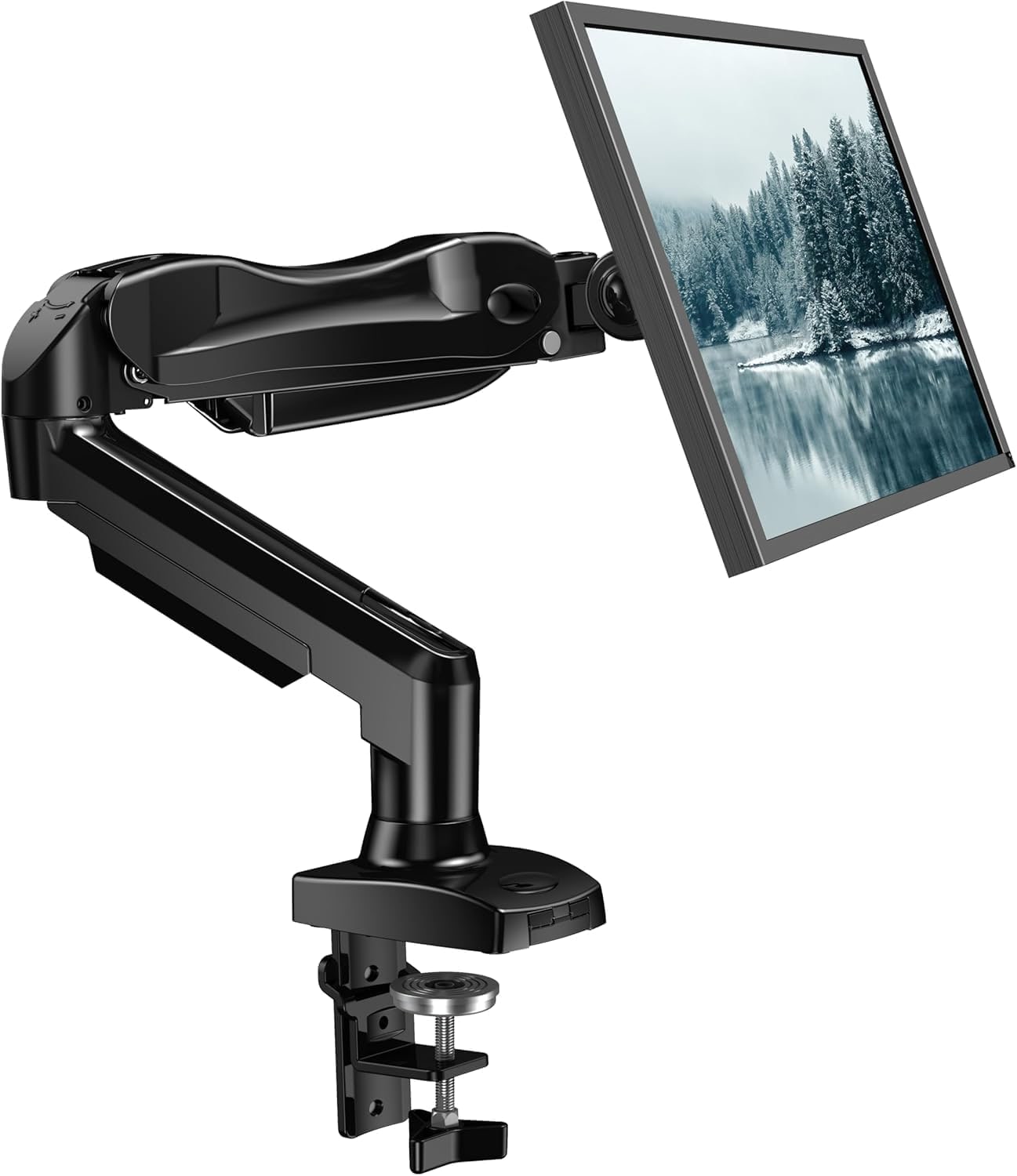
HUANUO FlowLift Single Monitor Mount
MSRP
$47.99
Amazon
$35.99
at writing · 2026-05-05
Mainstream gas-spring single-arm pick for normal 24- to 32-inch desk setups where price matters.
#3 · Best for ultrawide setups
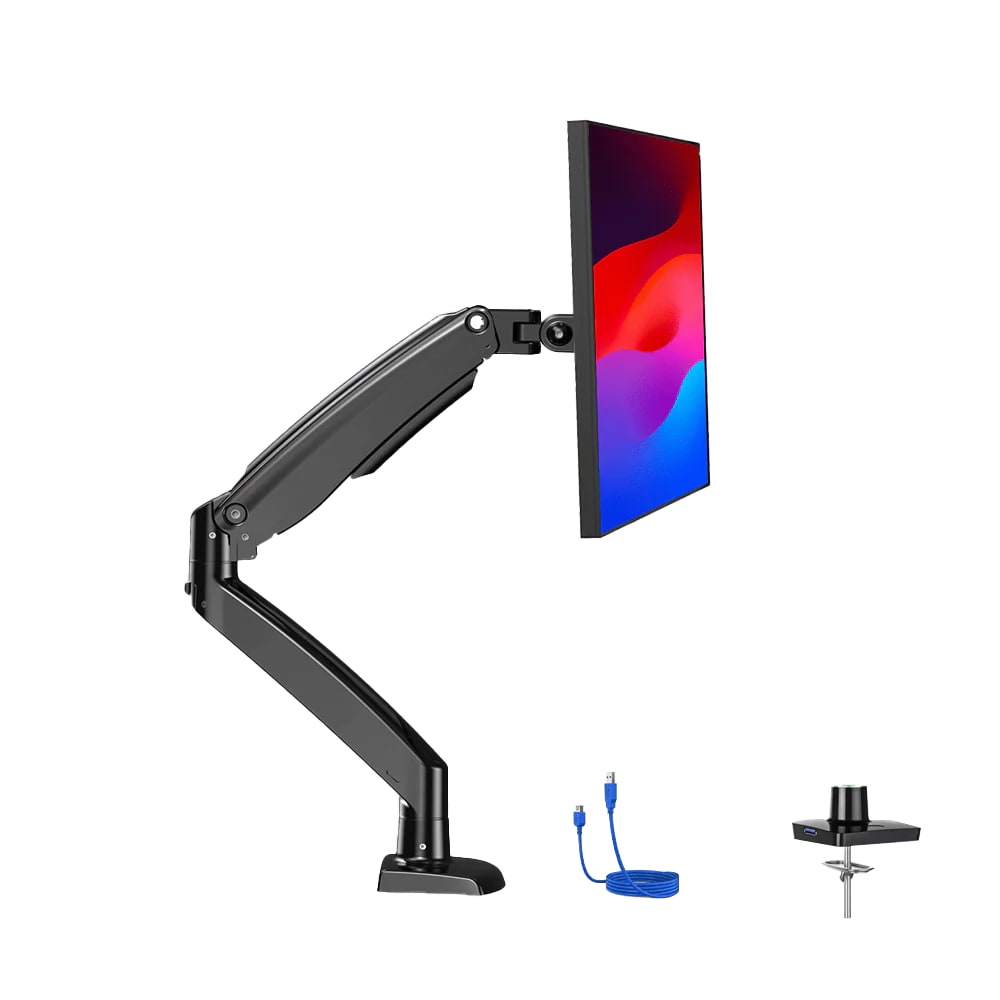
HUANUO Single Monitor Arm for 13-49 inch Screens with USB
MSRP
$89.99
Amazon
$64.99
at writing · 2026-05-05
Specialty single-arm pick for curved or ultrawide monitors that need more support than ordinary 32-inch arms promise.
02 · Before You Buy
Monitor arms have one of the funniest gaps between the product photo and the real purchase. Online, every arm floats a monitor in perfect silence over a spotless desk. At home, that same purchase can become a wrestling match with a tilt screw, a clamp that hates your desk lip, a VESA plate you wish had three hands for, or a screen that slowly bows like it is embarrassed to be there.
That is why this ranking does not treat monitor arms like simple metal sticks. The difference between a great one and a regrettable one usually hides in the boring parts: whether the arm still holds after you tighten it, whether your desk has enough clean edge for the clamp, whether an ultrawide's center of gravity changes everything, and whether the cable covers survive normal use.
If you are about to hang an expensive screen off the back of your desk, read this before trusting the star rating alone. The product links will take you to current pricing and availability; using them also helps keep KB4UB running if the guide saves you from buying the wrong arm.
03 · score comparison
Compare the grades before you chase details.
| Grade | #1Ergotron LX Desk Monitor Arm | #2HUANUO FlowLift Single Monitor Mount | #3HUANUO Single Monitor Arm for 13-49 inch Screens with USB | #4WALI GSMP001N Single Monitor Mount | #5HUANUO FlowLift Dual Monitor Stand | #6Amazon Basics Gas Spring Single Computer Monitor Arm |
|---|---|---|---|---|---|---|
| Overall UX | 9/10 | 8/10 | 8/10 | 8/10 | 8/10 | 7/10 |
| Support and stability | 10/10 | 8/10 | 9/10 | 8/10 | 8/10 | 7/10 |
| Adjustment and ergonomics | 9/10 | 8/10 | 8/10 | 7/10 | 7/10 | 7/10 |
| Installation and desk fit | 8/10 | 8/10 | 8/10 | 7/10 | 7/10 | 7/10 |
| Build and support confidence | 10/10 | 8/10 | 8/10 | 7/10 | 7/10 | 7/10 |
| Cable routing and daily use | 8/10 | 8/10 | 9/10 | 8/10 | 8/10 | 7/10 |
| Commerce clarity | 7/10 | 9/10 | 7/10 | 9/10 | 9/10 | 8/10 |
| MSRP | — | $47.99 | $89.99 | $29.99 | $69.99 | — |
05 · product-by-product breakdown
Why each pick landed where it did.
#1 · Best overall
Ergotron LX Desk Monitor Arm
MSRP
—
Amazon
$89.99
at writing · 2026-05-05
Ergotron’s LX is the polished aluminum single-arm mount for buyers who want one primary screen to move often without feeling like the hinge is gambling with an expensive monitor. It costs more than the value arms here, but the reason people pay up is clear in the owner notes: stable movement, strong support, and less second-guessing after setup.
liked
Owners repeatedly praised the stable feel, smooth movement, and confidence with heavier everyday screens. One owner said the arm moves where you want it and then “STAYS,” and another wrote, “At no time have I doubted that this thing was stable.”
complaints
Cable routing is less complete than the polished metal build suggests. One owner’s complaint was blunt: “neither the base nor the upper arm has any built in cable management,” so plan on ties for part of the run.
best for
Best for a primary 24- to 34-inch monitor where the arm will be adjusted often and long-term trust matters more than chasing the lowest price.
skip if
Skip it if you only need a cheap arm for a light spare monitor, need built-in cable channels everywhere, or cannot confirm a clean new listing at checkout.
Biggest issue
The practical knocks are price, partial cable routing, and normal desk-edge constraints. Those are worth checking before checkout, not reasons to panic if the LX fits your desk and budget.
Start with the LX if you want the safest single-arm pick in this set, then verify the current Amazon offer before buying.
#2 · Best mainstream single arm
HUANUO FlowLift Single Monitor Mount
MSRP
$47.99
Amazon
$35.99
at writing · 2026-05-05
HUANUO positions the FlowLift Single Monitor Mount as the normal-desk answer: a gas-spring arm for the common 24- to 32-inch setup without Ergotron money. It is the value pick if you want the screen off the desk and do not expect premium-feeling tilt every time you nudge it.
liked
Owners liked the fast desk-space win, secure clamp, clean cable routing, and stable hold once the gas spring was dialed in. One wrote that it had “zero wobble once tightened” and stayed exactly where they wanted it.
complaints
The tension tradeoff shows up when repositioning. One owner summed it up: “You basically have to tighten it hard for stability, and then fine tilt adjustments become annoying.”
best for
Best for a typical 24- to 32-inch office or gaming monitor when you mostly set the position and leave it there.
skip if
Skip it if you constantly pull the screen forward and back, have a tricky metal-frame desk, or expect the tilt joint to feel premium.
Biggest issue
Desk fit deserves a real look: one owner had to use a book or wood spacer because the desk frame changed how the clamp could bite.
This is the practical runner-up: affordable, popular, and capable, as long as you accept some tension-tuning chores.
#3 · Best for ultrawide setups
HUANUO Single Monitor Arm for 13-49 inch Screens with USB
MSRP
$89.99
Amazon
$64.99
at writing · 2026-05-05
HUANUO’s 13-to-49-inch USB arm is trying to solve the scary ultrawide question: can one desk arm hold a big curved screen without drooping at full reach? It is the specialty pick here because its advertised range, USB/cable extras, and owner notes line up better with big-screen setups than ordinary single arms.
liked
Owners called it heavy duty, steady, easy to rotate, and useful for 34-inch ultrawides and heavy curved monitors. One owner wrote, “It also can handle my 34 inch ultra wide monitor no problem,” while another liked the handy USB-A port in the base.
complaints
The warning signs are exactly the ones ultrawide buyers should care about: one owner received a broken elbow collar, and another said a very heavy curved screen had to be tilted higher because it would “drop down into place.”
best for
Best for a curved or ultrawide monitor that falls inside the weight limit and sits on a sturdy desk with enough clamp/grommet clearance.
skip if
Skip it for fragile glass tops, desks with awkward rear rails, or a 49-inch monitor near the edge of the weight limit unless you can tolerate careful setup.
Biggest issue
This is a strong specialty pick, not a universal default. Confirm monitor weight without the stand, VESA position, desk thickness, and current offer before checkout.
For ultrawide buyers, this is the most relevant arm in the set; just treat the compatibility check as part of the purchase, not a formality.
#4 · Best ultra-budget arm
WALI GSMP001N Single Monitor Mount
MSRP
$29.99
Amazon
$22.48
at writing · 2026-05-05
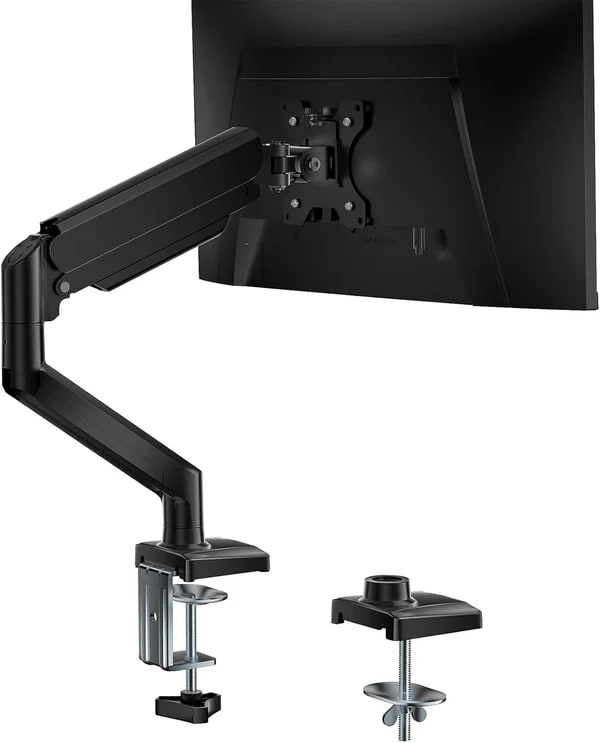
WALI’s GSMP001N is the low-price gas-spring arm for people who want the stock stand gone without spending premium money. It is not the refined pick, but the owner notes make it clear why it stays in the list: for the right monitor, it can feel like a much bigger upgrade than the price suggests.
liked
People liked the sturdy feel, clamp/grommet choice, quick installation, cable channels, and desk-space gain. One owner said it “stays exactly where I put it without sagging,” which is the whole reason a budget arm is worth considering.
complaints
The end tilt joint is the sore spot. One detailed owner called it the “problem child of this mount” and described replacing the bolt, then needing another person to hold the monitor while correcting tilt.
best for
Best for price-sensitive buyers who can spend a little time dialing in tension and are comfortable solving minor hardware annoyances.
skip if
Skip it if you want silky adjustments, dislike hardware-store fixes, or plan to move a large monitor all day.
Biggest issue
The arm can be strong enough while still feeling less refined. That matters because tightening a monitor over your desk should not feel like a trust exercise.
WALI is a legitimate bargain arm, but it is the bargain pick because of the tradeoffs, not in spite of them.
#5 · Best dual-monitor pick
HUANUO FlowLift Dual Monitor Stand
MSRP
$69.99
Amazon
$59.99
at writing · 2026-05-05
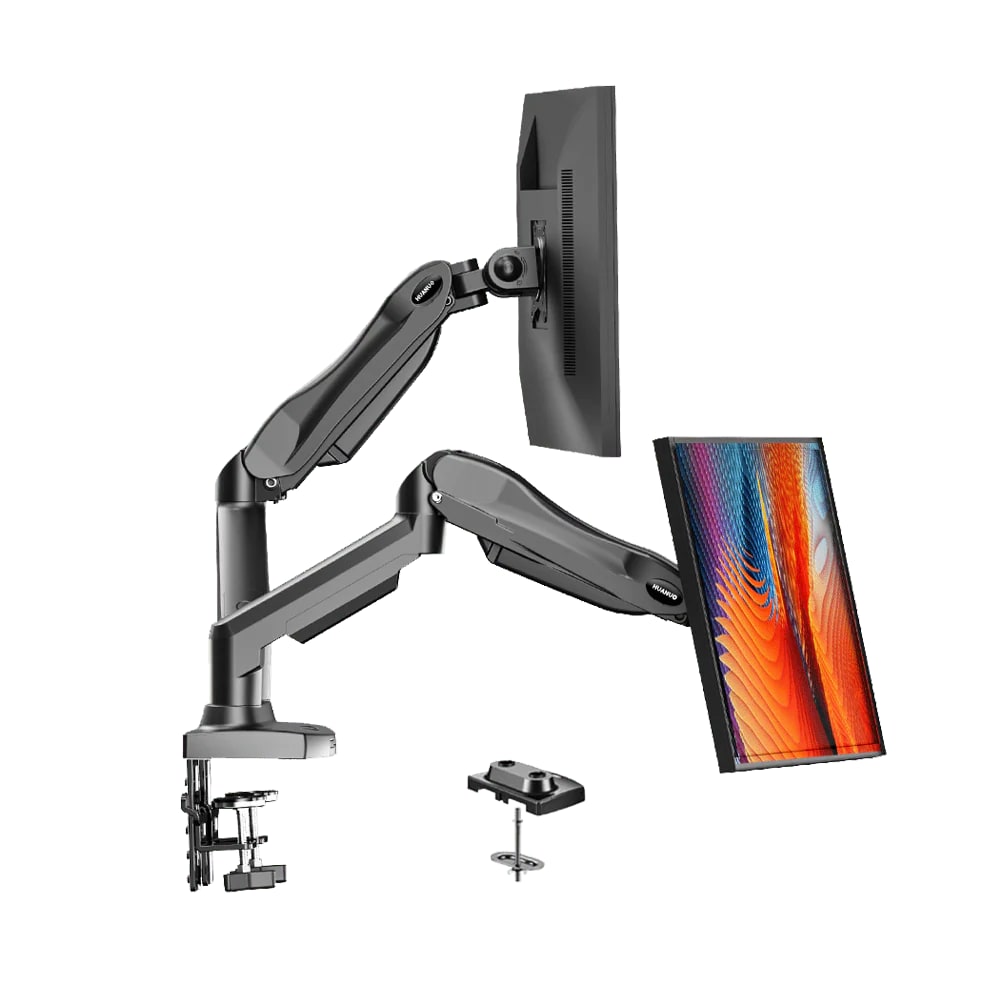
HUANUO’s FlowLift Dual Monitor Stand is for the desk that needs two screens off their stock stands, not for someone trying to hang one giant display. It is the cleanup pick for side-by-side work setups, with the usual dual-arm catch: twice as many places to fight alignment, screws, and tension.
liked
Owners liked the desk-space gain, sturdy base, easy pivot/swivel/rotation, and two-screen stability once adjusted. One owner with 27-inch monitors said “nothing has sagged or tilted in an undesired way.”
complaints
The setup complaints are concrete: one repeat buyer said the tension bolts are “INCREDIBLY tight,” and the longer M4 screws bottomed out on multiple monitors before the screen was snug.
best for
Best for a two-monitor desk where both screens are within the weight range and the buyer is willing to spend time matching heights and depths.
skip if
Skip it if you want effortless one-hand height changes, have mismatched heavy monitors, or cannot tolerate fussing with screws and tension on both arms.
Biggest issue
Dual arms save space, but they double the places where a small mismatch can annoy you. The desk, screws, and tension settings matter.
Choose the dual FlowLift for the clean two-screen desk, not because it is simpler than buying one good single arm.
#6 · Best cheap first-party option
Amazon Basics Gas Spring Single Computer Monitor Arm
MSRP
—
Amazon
$35.99
at writing · 2026-05-05
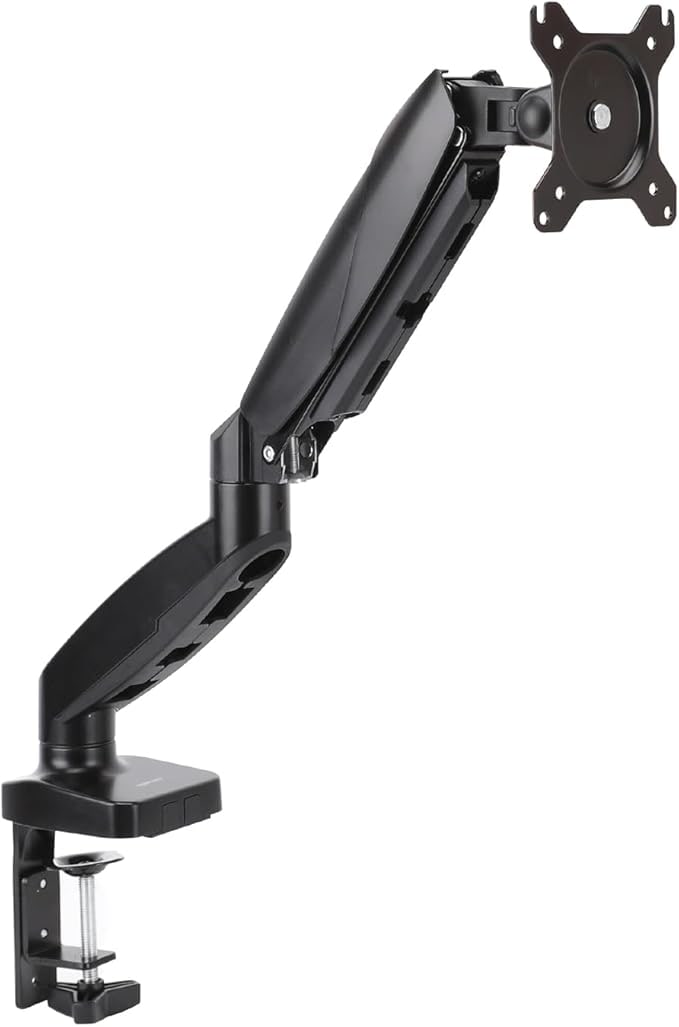
Amazon Basics is the low-risk, low-price option for a smaller single monitor when you want an easy Amazon checkout more than a premium arm. It belongs in the conversation for lighter 24- to 27-inch setups, but it is not the arm to stretch into a heavy ultrawide recommendation.
liked
Owner snippets point to easy installation, a sturdy desk clamp, smooth swiveling, and enough adjustment to clear desk space for a normal monitor. One owner said it was “very smooth when swiveling my monitor around.”
complaints
The notes are messier than the stronger picks, with some snippets bleeding into dual-arm variants and fewer captured spec details. Cable clips are acceptable, but one owner said they “could be a bit more robust.”
best for
Best for a light 24- to 27-inch monitor when the buyer wants a low-cost Amazon Basics option and an easy return path.
skip if
Skip it for heavy curved displays, ultrawides, glass tops, or any setup where the exact weight limit and VESA fit are not obvious.
Biggest issue
The product can be perfectly sensible for a small monitor, but it should not be stretched into a heavy-monitor recommendation just because it is cheap.
Buy it only in its lane: smaller, lighter, low-risk setups where saving money matters more than range or refinement.
05 · How This Review Works
For monitor arms, the best clues often come after the tidy install photo. We compared current listings, product specs, warranty/support signals, and owner notes for six arms across the jobs shoppers actually compare: premium single arm, mainstream gas-spring single arm, cheap first-party arm, ultra-budget high-capacity arm, ultrawide/heavier-monitor arm, and a dual-monitor setup.
The ranking puts support and stability first because sag, wobble, and drift are the failures buyers fear most. After that, we weighed adjustment feel, setup and desk fit, build/support confidence, cable routing, and whether the current listing is clear enough to buy without guessing. Price still matters, but a $22 budget arm and a polished Ergotron are not trying to solve the same problem.
Read the lanes, not just the rank. A dual-arm mount can be the right answer for two modest 27-inch screens and the wrong answer for one heavy curved display. A premium arm can still be annoying if your desk edge will not take the clamp. The best pick is the one that matches your monitor weight, your desk, and how often you actually move the screen.
06 · Best Fit for You
Choose Ergotron LX Desk Monitor Arm if you want the safest overall single-arm recommendation and care about stable movement, long-term support, and a polished metal build. It is the easiest pick to defend for a primary screen, as long as the current Amazon offer is clean.
Choose HUANUO FlowLift Single Monitor Mount if you want a current, affordable arm for a normal 24- to 32-inch setup and you mostly set the monitor in place. It is strong for the money, but fine tilt changes can feel stiff once everything is tight enough to hold.
Choose HUANUO Single Monitor Arm for 13-49 inch Screens with USB if you are shopping for a curved or ultrawide monitor and ordinary arms look underbuilt. Check your monitor weight without the stand, VESA placement, desk thickness, and how close you are to the advertised limit.
Choose WALI GSMP001N if budget is the point and you are comfortable dialing in a less refined arm. Choose HUANUO FlowLift Dual Monitor Stand for a two-screen desk cleanup. Choose Amazon Basics Gas Spring Single Computer Monitor Arm only for lighter/smaller monitors where the simple low-cost lane is enough.
07 · What to Do Next
Before checkout, look up your monitor's weight without its stand and compare it to the arm's range with margin. Then check screen size, VESA pattern, desk thickness, rear-lip clearance, and whether a metal frame, crossbar, bevel, or glass top changes the clamp situation. A monitor arm is only as good as the desk edge holding it.
If you plan to move the monitor every day, prioritize smooth adjustment and tilt behavior over the lowest price. If you mainly want the desk space back and the screen will stay parked, a cheaper arm can make more sense. For ultrawides, do not treat size range as the whole answer: curvature, weight distribution, and full-extension position are where the scary surprises live.
When the box arrives, test the arm before committing your whole setup. Mount the screen, route the cables, move it through the positions you actually use, and leave it there long enough to spot drift. If it sags, scratches the desk, or makes every adjustment feel risky, return it while the window is still open.
Feedback loop
Tell us what this page missed.
These pages get better when real buyer complaints make it back into the scoring model. If something important is underweighted, say it.
Rate this review
Give it a score from 1-10 and tell us what to improve.
0/4000 characters