
The recommendation
Consider the VX1655-4K-OLED if the demonstrated easel and magnetic cover suit the way you set up and put away a monitor. Leave access to the rear joystick, and check the current package before relying on the unboxing contents.
Grades at a glance
| Product | Overall | Placement | Controls | Cable tasks |
|---|---|---|---|---|
| ViewSonic VX1655-4K-OLED | 9.0 | 9.0 | 9.0 | 9.0 |
Does it fit your life?
What this review covers
These editorial scores compare the physical tasks described below: support, controls, and cable access or carrying. They do not measure picture quality, color accuracy, refresh performance, durability or complete product quality. Check the requirements of your own computer, cable and power arrangement separately.
A useful choice when cover handling matters
Shortlist the VX1655-4K-OLED if you want to see the support and cover handled together before buying. ViewSonic’s employee unboxing demonstrates the base as an easel, identifies the rear menu joystick and attaches the magnetic cover. Those details make a coherent physical routine to compare with other designs.
The source is the manufacturer’s own presentation. It shows the mechanism, but is not an independent account of using and carrying the monitor over time. The recommendation rests on the arrangement shown. The model name and the presenter’s display-quality claims do not turn these task scores into a picture-quality assessment.
The pictured model
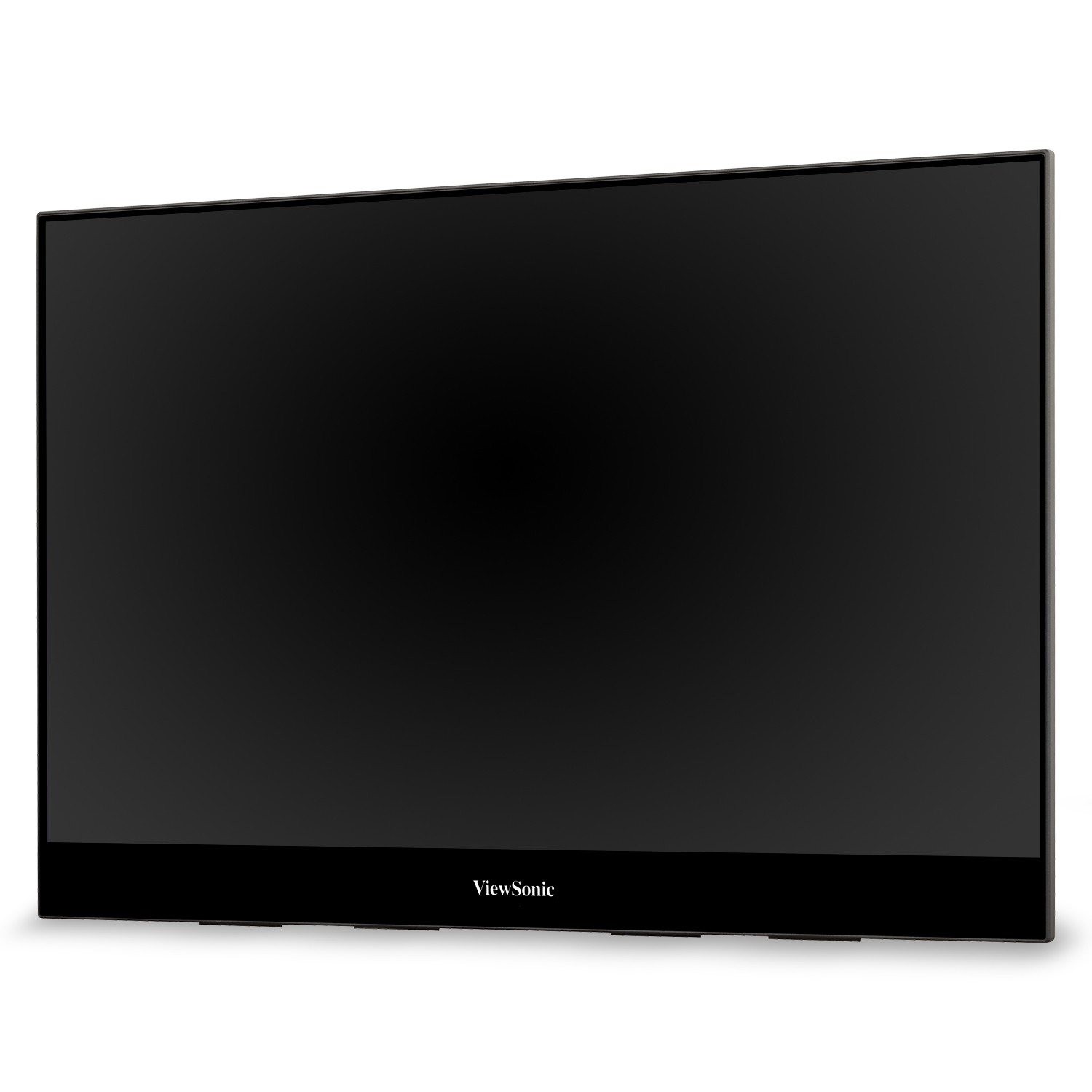
VX1655-4K-OLED with the screen off. This front product view does not show the easel or cover being handled.
The base also serves as the easel
The official presentation explains that the box-shaped base behind the screen houses the connections and acts as its support. For the placement shown, there is no separate stand to assemble. That is the feature to examine if you want a monitor with its own desk support.
Check how that base would sit beside your laptop. The front product image does not reveal the whole support footprint; the linked demonstration is more informative for that question. The placement score covers the demonstrated mechanism. The presenter’s broader construction claims do not establish durability, and they are not needed to decide whether this support layout suits you.
Plan a clear reach behind the screen
ViewSonic locates the menu joystick on the back. A single physical control may suit your preferences, but its rear position matters if the monitor will sit close to another object or beyond a comfortable reach.
Before choosing, picture where your hand would go from your normal seated position. The score reflects the control described in the presentation; it does not measure menu speed or establish that every adjustment is equally convenient. If rear access is awkward in your intended position, choose the layout before choosing the score.
The cover attachment is shown; package contents can change
The presenter brings the cover to the monitor and shows it attaching magnetically. The same unboxing includes signal cables and a power brick, with a separate power connection explained for HDMI use. Those are useful physical details for planning the demonstrated connection and cover routine.
Check the contents of the exact package you intend to buy. An older unboxing cannot promise current inclusions. Likewise, the presenter’s statements about charging a laptop do not establish the result with your equipment. The cover demonstration shows attachment, not protection against damage; the connection account shows a particular arrangement, not universal electrical suitability.
A cover routine or a different support?
The Arzopa Z1RC review offers a clear carrying contrast: the supplied unit has an integrated stand but no cover. ViewSonic’s demonstration is more relevant if you want to inspect a cover attachment before deciding. Confirm both current packages before treating that historical difference as a purchase inclusion.
If a camera or tripod position matters more, examine the MSI PRO MP165 E6 placement example. Its reviewer attaches the monitor directly to a tripod. ViewSonic and MSI have tied task totals here, but the mechanisms answer different needs. Select the support and carrying routine that fits your use, then evaluate picture quality separately.
The scores and the tasks behind them
Placement: 9/10. ViewSonic’s employee demonstrates the base serving as an integrated easel. The score covers that support arrangement.
Controls: 9/10. The official presentation identifies the rear joystick as the menu control. Its position makes reach behind the screen part of the task.
Cable tasks: 9/10. The official unboxing shows the magnetic cover attaching and explains the separate power connection in its HDMI arrangement. Historical contents do not establish today’s bundle.
The 9/10 total summarizes these specific physical judgments. Compare the task descriptions as well as the numbers.
Compare the arrangement before buying
Use the portable-monitor guide to compare the support and carrying routines. Arzopa Z1RC review; MSI PRO MP165 E6 review provide the alternatives discussed above.
Check the exact model and current price on Amazon. Confirm the package and the connection requirements for your equipment.
ViewSonic VX1655-4K-OLED
ViewSonic
An integrated easel with a magnetic-cover routine shown in the official unboxing.
ViewSonic’s employee demonstration brings the easel base, rear joystick and magnetic cover together. Consider this arrangement if you want to see how the support and cover are handled before choosing.
Reasons to choose it
- The base doubles as the easel in the official demonstration.
- The presenter shows the cover attaching magnetically.
- A rear joystick provides the physical menu control described by ViewSonic.
Tradeoffs to know
- The joystick needs access behind the screen.
- The demonstrated HDMI arrangement has a separate power connection to manage.
Think twice if: The monitor will sit where reaching its rear joystick is impractical.
Further reading
Ratings
Editorial score 9
Placement9
ViewSonic’s employee demonstrates the base serving as an integrated easel. The score covers that support arrangement.
Controls9
The official presentation identifies the rear joystick as the menu control. Its position makes reach behind the screen part of the task.
Cable tasks9
The official unboxing shows the magnetic cover attaching and explains the separate power connection in its HDMI arrangement. Historical contents do not establish today’s bundle.
Sources & further reading
youtube.com product information
youtube.com review
youtube.com review
youtube.com review
Keep reading
Something changed? Help us keep this useful.
Send a correction →