
The recommendation
Start with E340 for separate-pack charging or Reolink PoE to avoid battery charging; choose the other models when their physical and app routines fit you better.
The shortlist, at a glance
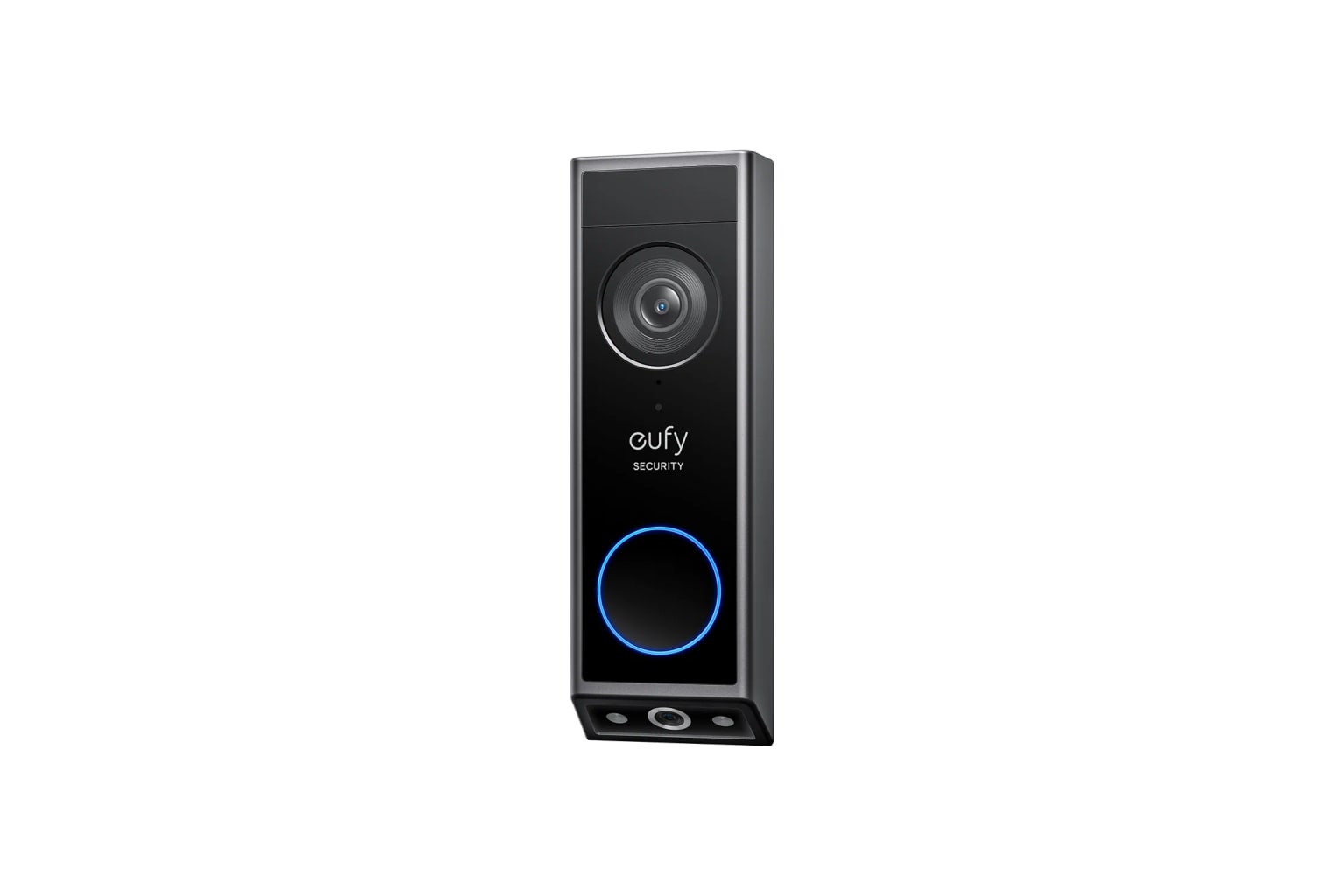
Buyers who prefer charging a removable pack and want a choice of camera layouts.
eufy Security Video Doorbell E340 →
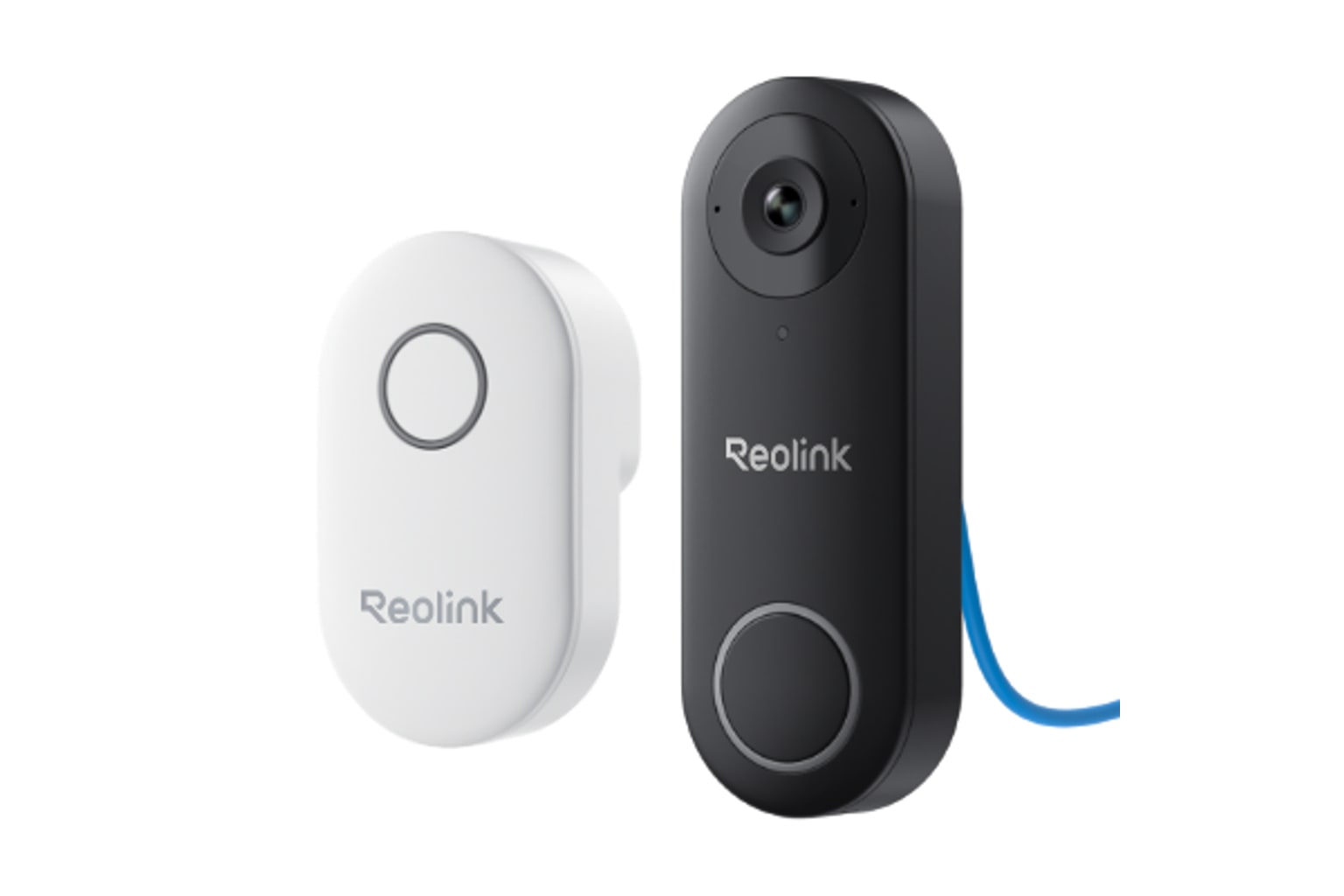
Buyers who prefer cable-powered hardware and want no battery pack to charge.
Reolink Video Doorbell PoE →
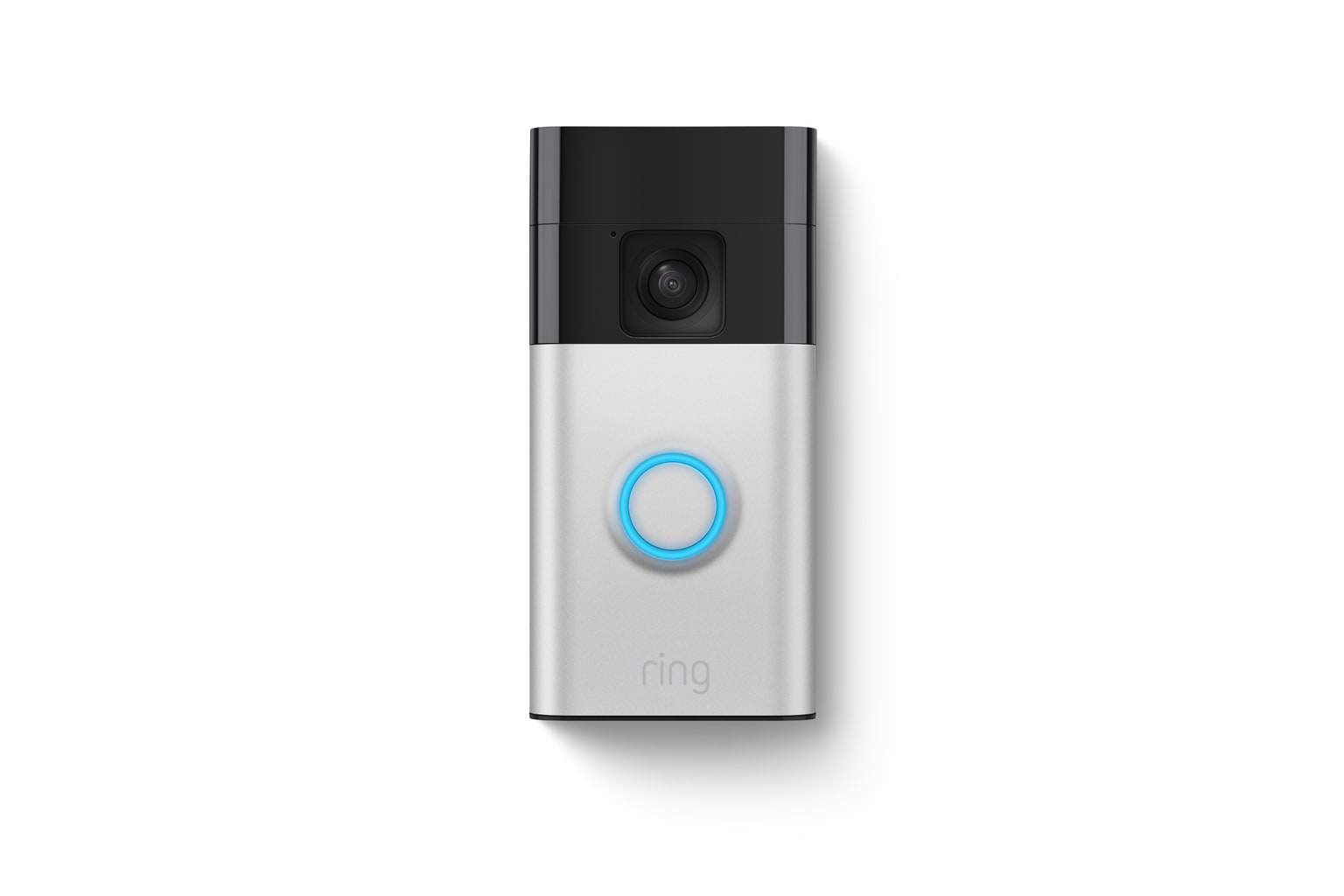
Buyers comfortable charging the complete doorbell and who prefer the base model’s slimmer body over Battery Doorbell Plus.
Ring Battery Doorbell →
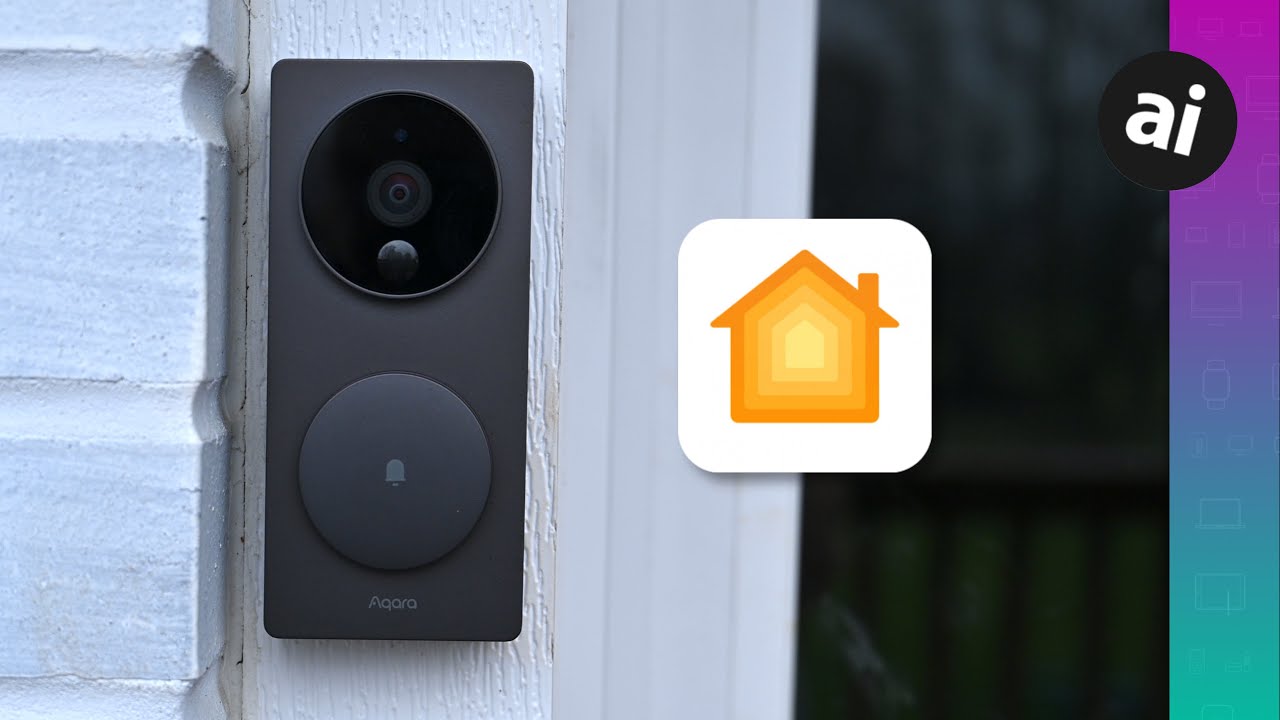
Buyers who want replaceable cells and are comfortable dividing settings between Aqara and Home.
Aqara Video Doorbell G4 →
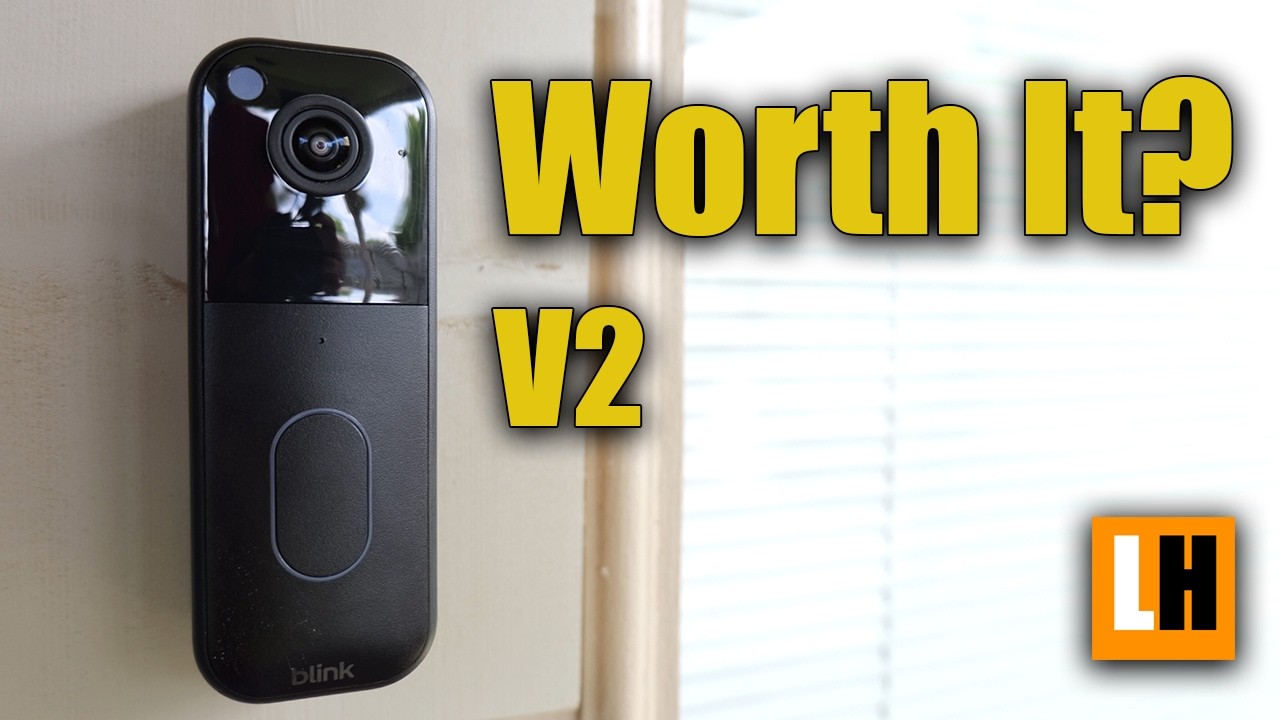
Buyers who prefer replaceable cells and are comfortable managing a separate powered Core module.
Blink Video Doorbell + Sync Module included →
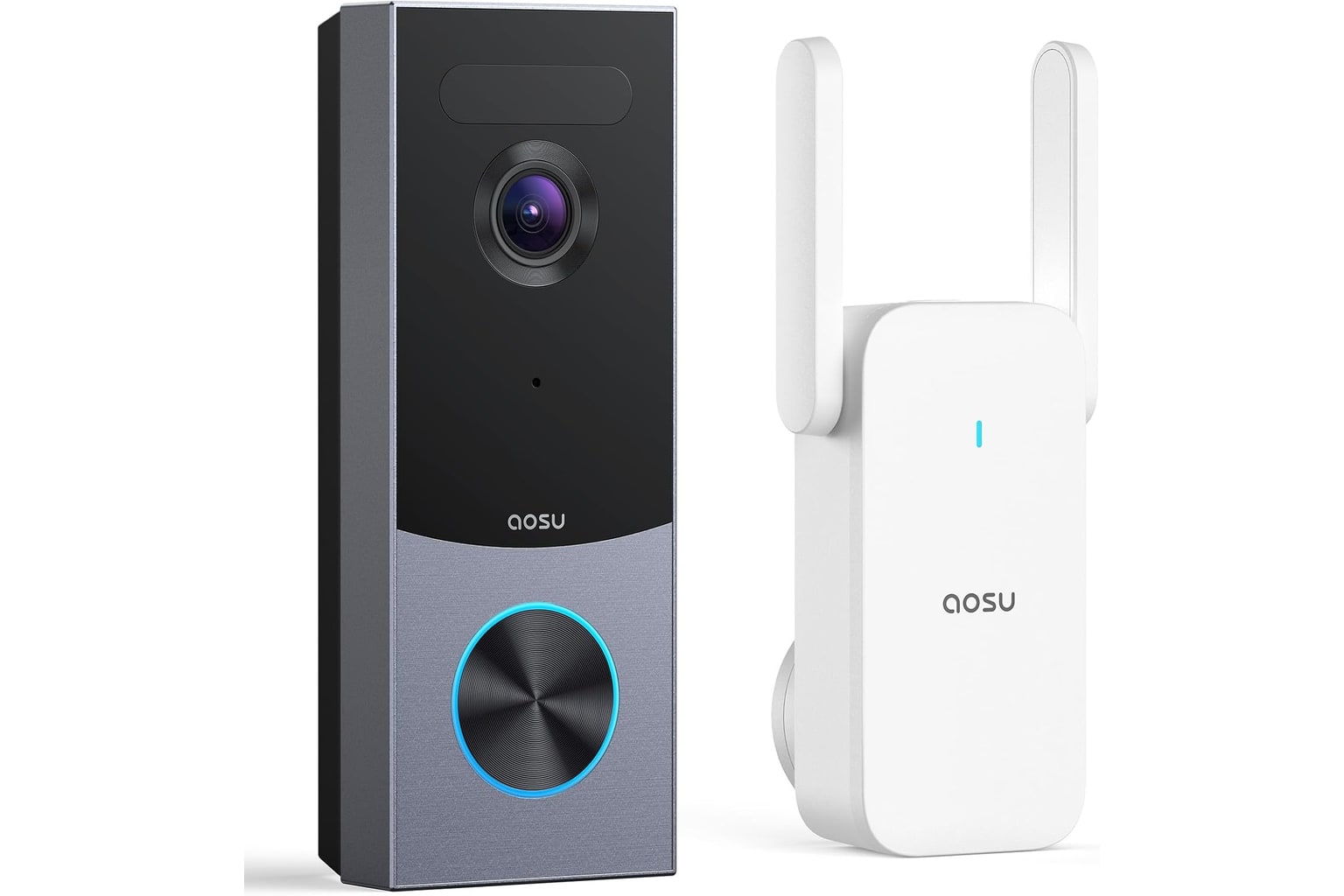
Buyers who want a rechargeable doorbell with an angle piece and are comfortable managing a separate powered indoor chime.
aosu Doorbell Camera Wireless →
Grades at a glance
| Product | Overall | Handling | Controls | Power chores |
|---|---|---|---|---|
| eufy Security Video Doorbell E340 | 8.3 | 8.0 | 8.0 | 9.0 |
| Reolink Video Doorbell PoE | 8.0 | 8.0 | 8.0 | 8.0 |
| Ring Battery Doorbell | 7.7 | 8.0 | 8.0 | 7.0 |
| Aqara Video Doorbell G4 | 7.0 | 7.0 | 7.0 | 7.0 |
| Blink Video Doorbell + Sync Module included | 6.0 | 5.5 | 7.0 | 5.5 |
| aosu Doorbell Camera Wireless | 7.0 | 7.0 | 7.0 | 7.0 |
Compare your shortlist
Does it fit your life?
Choose the chore you want to live with
Start with how you want to power and handle a doorbell. The eufy E340 is our first battery choice because its pack can be charged separately and exchanged for a spare. Reolink PoE is the alternative for buyers who want no battery charging task and are comfortable with powered network equipment. E340 pack account; E340 hardware account; Reolink PoE account.
Ring suits whole-body USB-C charging, Aqara G4 and Blink offer replaceable-cell routines, and aosu pairs a rechargeable body with a powered indoor chime. Follow the charging choices, then read the model that matches the job you want to repeat. Ring battery access; G4 battery and chime arrangement; Second-generation Blink kit; aosu port and chime.
Choose your charging routine
For a removable rechargeable pack, start with E340. For an integral battery that charges in the complete doorbell, look at Ring. If you prefer replacement cells, compare G4 with Blink Core: G4 uses six rear batteries and a powered chime/hub; the reviewed second-generation Blink uses three rear cells and a powered Core. E340 pack; Ring integral battery; G4 cells and hub; Blink cells and Core.
Reolink PoE removes the battery-charging task, with powered network equipment in its place. aosu has a covered USB-C port on the body and a separate powered indoor chime. These are useful differences even before you consider the app. Reolink PoE power; Reolink PoE power comparison; aosu charging access; aosu rechargeable body.
eufy E340: best for separate-pack charging
The E340 is the battery pick for someone who wants to charge a pack separately and keep a spare available. Its reviewed kit includes an angle piece and release tool. In the app, you can choose split or picture-in-picture layouts and preset or custom replies. One reviewer occasionally needed repeated taps to swap views. E340 handling, battery and layout account; E340 kit and app account.
Choose it for that combination of pack access and layout choices. Read the complete E340 review.
Reolink PoE: best for avoiding battery charging
The PoE model removes a recurring battery chore and has a relatively slim body with flat and angled positioning pieces. The PoE review shows display choices, replies and playback selections in the app. Rear microSD access and powered network equipment remain practical considerations. PoE-specific hardware and app review; Reolink lineup comparison.
Choose it when that cable-powered arrangement suits your plans. Read the complete Reolink PoE review.
Ring: for buyers comfortable charging the whole doorbell
The base Ring Battery Doorbell is described as slimmer than Battery Doorbell Plus. It includes a release tool and uses rear USB-C charging for its integral battery. The recurring tradeoff is carrying the complete doorbell to the cable; the angle accessory was separate in the reviewed kit. Base Ring design review.
The review shows settings, history and download choices alongside its subscription discussion. Choose it if the body and charging routine appeal, then check the plan details for the actions you want. Read the complete Ring review.
Aqara G4: for replaceable cells and a two-app routine
The G4 has an identifiable bell button, six rear batteries and a separate USB-C-powered chime/hub. The reviewer selects chime sound in Aqara and other preferences in Home. That division makes knowing where each setting lives part of ordinary use. G4 hardware and settings review.
Consider it if replaceable cells and using both apps suit you. The same reviewer reports a problem combining settings across those apps, so spend time with your preferred selections. Read the complete G4 review.
Blink Core kit: replaceable cells with a handling compromise
LifeHackster on YouTube. Doorbell shown; the full kit is not pictured.
This second-generation kit has three rear AA cells and a separate USB-C-powered Sync Module Core. The reviewed box includes a wedge and a release tool; device, audio and chime selections are described in the app. The reviewer also reports movement between the doorbell body and its secured mount. Second-generation Blink review.
Consider it if replacement cells appeal and that reported fit would be acceptable. Look for the second-generation kit with Sync Module Core. Read the complete Blink review.
aosu: a rechargeable body with a separate chime
The reviewed 5MP kit includes an angle piece and release pin. The doorbell has a covered USB-C charging port and a separate powered indoor chime; its app offers event, quick-reply and sound selections. A comparison distinguishes this rounded newer body from the older 2K model. aosu hardware and controls; aosu body comparison.
Consider it if that physical arrangement fits your preferences. Read the complete aosu review for the differing historical app accounts.
Compare the actions you will actually use
E340 offers split and picture-in-picture layouts in its reviewed app. Reolink’s PoE review shows display selections, quick replies and playback controls; Ring’s shows settings and history navigation alongside a subscription discussion. E340 layouts; E340 replies; PoE controls; Ring app context.
G4 divides selections between Aqara and Home; Blink’s reviewed menus include device, audio and chime settings. The aosu hardware review shows replies and sound choices, and a supplied-product video describes selecting saved videos positively. A September 2025 Google Play report instead describes a deletion error after selecting clips; the exact camera is unspecified. The dated report concerns app use on unspecified hardware; it does not establish a current problem with this doorbell. Selecting and deleting clips is still a useful action to try when assessing the app. G4 app split; Blink menus; aosu controls; Supplied-product app account; Historical app report.
How to use the grades
The grades summarize handling, controls and power chores. E340 leads at 8.3/10, followed by Reolink PoE at 8.0 and Ring at 7.7. G4 and aosu each receive 7.0; Blink receives 6.0. The differences in charging access and components are more useful buying guides than a few decimal points.
The E340 sources include a self-funded review and a sponsored supplied-product review. The G4 review mentions a media promo code. The short positive aosu app video used a supplied product and does not identify the exact hardware; its Google Play counterpoint is a dated account from unspecified hardware. The Blink review used a subscription trial. Self-funded E340 review; Sponsored E340 review; G4 review; Supplied-product aosu video; September 2025 app account; Blink trial-context review.
eufy Security Video Doorbell E340
eufy
Buyers who prefer charging a removable pack and want a choice of camera layouts.
The E340 makes the charging routine its strongest selling point: its battery pack comes out separately, and a spare can be swapped in. An included angle piece and selectable camera layouts round out a practical package.
The takeaway
Our first choice for a battery doorbell when separate-pack charging matters most.
Reasons to choose it
- Removable battery pack can be charged separately and exchanged for a spare.
- Angle accessory is included in the reviewed kit.
- App offers split and picture-in-picture layouts plus preset and custom replies.
Tradeoffs to know
- Body release uses a small tool worth keeping accessible.
- One reviewer sometimes needed repeated taps to swap the displayed views.
Think twice if: You dislike keeping a release tool or want to avoid battery charging altogether.
Published specifications
- angle accessory
- Included in the reviewed kit
- battery access
- Removable pack
- body release
- Tool-assisted
- charging connection
- USB-C on the battery pack
Further reading
Ratings
Editorial score 8.3
Handling8
An included angle piece gives a positioning choice; removing the body requires its release tool.
Controls8
Split and picture-in-picture layouts and reply choices are useful, though one reviewer sometimes needed repeated taps to swap views.
Power chores9
The pack can be charged away from the body and exchanged for a spare.
Reolink Video Doorbell PoE
Reolink
Buyers who prefer cable-powered hardware and want no battery pack to charge.
The Reolink PoE model suits buyers who want to remove battery charging from the routine. Its slim body and flat or angled positioning pieces are appealing, but the powered network equipment and rear card access still need consideration.
The takeaway
The clearest choice here for avoiding battery charging, provided the PoE arrangement suits your plans.
Reasons to choose it
- PoE model has no routine battery charging chore.
- Reviewed kits include flat and angled positioning pieces.
- The PoE app review shows reply, display and playback selections.
Tradeoffs to know
- The power arrangement includes powered network equipment.
- The microSD slot is on the rear of the body.
Think twice if: You want a battery-powered doorbell or do not want a powered network component in the arrangement.
Published specifications
- angle accessory
- Flat and angled pieces described
- body profile
- Relatively slim in the reviewed comparison
- card access
- Rear microSD slot
- power arrangement
- Ethernet-powered PoE model
Further reading
Ratings
Editorial score 8
Handling8
The PoE body is described as relatively slim, with flat and angled pieces supplied.
Controls8
The PoE review describes selecting display quality, quick replies and playback or download controls.
Power chores8
There is no battery pack to charge, though powered network equipment and rear card access remain part of ownership.
Ring Battery Doorbell
Ring
Buyers comfortable charging the complete doorbell and who prefer the base model’s slimmer body over Battery Doorbell Plus.
The base Ring Battery Doorbell offers an integral-battery body, a release tool and rear USB-C charging. It suits buyers comfortable taking the whole unit down to recharge, with the angle accessory considered separately.
The takeaway
A sensible handling choice if whole-body charging is an acceptable part of your routine.
Reasons to choose it
- Reviewed base body is slimmer than Battery Doorbell Plus.
- Release tool is included.
- The reviewed app has settings, history and download selections.
Tradeoffs to know
- Whole doorbell comes off for rear USB-C charging.
- Angle wedge was separate from the reviewed base kit.
Think twice if: You want to swap a battery pack instead of removing the whole body for charging.
Published specifications
- angle accessory
- Separate in the reviewed base kit
- battery access
- Integral rechargeable battery
- body release
- Included release tool
- charging connection
- Rear USB-C port
Further reading
Ratings
Editorial score 7.7
Handling8
The base body is slimmer than Plus and includes a release tool, while its angle accessory is separate.
Controls8
The review describes settings, history and download navigation in its subscription context.
Power chores7
Charging the integral battery means removing the complete doorbell to reach the rear USB-C port.
Aqara Video Doorbell G4
Aqara
Buyers who want replaceable cells and are comfortable dividing settings between Aqara and Home.
The G4 combines an identifiable bell button, six rear batteries and a separate powered indoor chime/hub. Its settings span Aqara and Home, making it a fit for buyers comfortable managing both apps.
The takeaway
Consider the G4 when replaceable cells and a two-app routine suit how you want to manage a doorbell.
Reasons to choose it
- Large bell button is easy to identify in the review.
- Rear compartment uses replaceable batteries.
- Chime sound and Home preferences can be selected in their respective apps.
Tradeoffs to know
- Six rear batteries are a recurring handling chore.
- Separate indoor chime/hub needs power.
- Routine settings are divided between two apps.
Think twice if: You want one app for all your routine selections or prefer a rechargeable pack to six replaceable cells.
Published specifications
- battery access
- Six replaceable rear batteries
- indoor component
- Separate chime/hub
- indoor power connection
- USB-C
- settings apps
- Aqara and Home
Further reading
Ratings
Editorial score 7
Handling7
The G4’s large bell button is easy to identify in the review; battery access means handling six cells in the rear compartment.
Controls7
Chime choices sit in Aqara and other preferences in Home; the reviewer reported a problem combining settings across the two apps.
Power chores7
Six rear batteries and a separately powered indoor chime/hub mean two components to manage.
Blink Video Doorbell + Sync Module included
Blink
Buyers who prefer replaceable cells and are comfortable managing a separate powered Core module.
This second-generation Blink kit pairs three rear replaceable cells with a separately powered Sync Module Core. It offers ordinary device, audio and chime choices, with one reviewer reporting looseness between the body and its mount.
The takeaway
A choice for replaceable-cell buyers who accept the separate Core component and reported handling compromise.
Reasons to choose it
- Reviewed second-generation kit includes a wedge and release tool.
- Rear compartment uses three replaceable cells.
- The reviewed app has device, audio and chime settings.
Tradeoffs to know
- One reviewer reported looseness between the body and secured mount.
- Battery handling sits alongside a separate powered Core module.
Think twice if: You prefer rechargeable packs or would find reported body-to-mount movement bothersome.
Published specifications
- angle accessory
- Included in the reviewed kit
- battery access
- Three rear AA cells
- indoor component
- USB-C-powered Core module
- reviewed configuration
- Second-generation doorbell with Sync Module Core
Further reading
Ratings
Editorial score 6
Handling5.5
The kit includes a wedge and release tool, but the reviewer reported movement between the doorbell body and secured mount.
Controls7
The review describes device, audio and chime selections in the Blink app.
Power chores5.5
Three rear replaceable cells and a separate USB-C-powered Core module add battery and component chores.
aosu Doorbell Camera Wireless
aosu
Buyers who want a rechargeable doorbell with an angle piece and are comfortable managing a separate powered indoor chime.
The reviewed 5MP aosu doorbell has a pin-release mount, angle piece and covered USB-C port, plus a powered indoor chime. Consider it if charging the body and keeping track of a release pin suit you.
The takeaway
A reasonable option if its pin-release handling, covered charging port and separate chime suit your routine.
Reasons to choose it
- The reviewed 5MP kit includes an angle wedge and release pin.
- Charging port has a cover.
- The reviewed app offers event, reply and chime-sound selections.
Tradeoffs to know
- Release pin is another small item to keep accessible.
- Power chores include a rechargeable doorbell and a separate indoor chime.
Think twice if: You prefer removable-pack charging or want to avoid handling a release pin and separate indoor component.
Published specifications
- body release
- Pin-assisted
- charging connection
- Covered USB-C port
- hardware context
- Rounded 5MP doorbell described in the reviews
- indoor component
- Separately powered chime
Further reading
Ratings
Editorial score 7
Handling7
The reviewed 5MP kit includes an angle piece and pin release, with a rounded body distinct from its predecessor.
Controls7
The reviewed app offers reply, event and sound selections; one historical user report describes a clip-deletion error on unspecified hardware.
Power chores7
A covered USB-C port on the doorbell and a separately powered indoor chime make this a two-component power routine.
Sources & further reading
User reports at play.google.com
youtube.com review
youtube.com review
youtube.com review
youtube.com review
youtube.com review
youtube.com review
youtube.com review
youtube.com review
youtube.com review
youtube.com review
Keep reading
Something changed? Help us keep this useful.
Send a correction →