Uplift V2 Standing Desk Review 2026: Who It Fits, Where It Frustrates, and Whether It Is Worth It
A UX-first review of Uplift as the premium configurable standing-desk default, including the V2 to V3 continuity note buyers should not miss.
Uplift is still the safest premium pick if you want broad fit, polished controls, and room to tailor the desk around your setup, but it asks for more setup effort and more trust in the support fine print than the glossy presentation implies.
MSRP
$599
Amazon
—
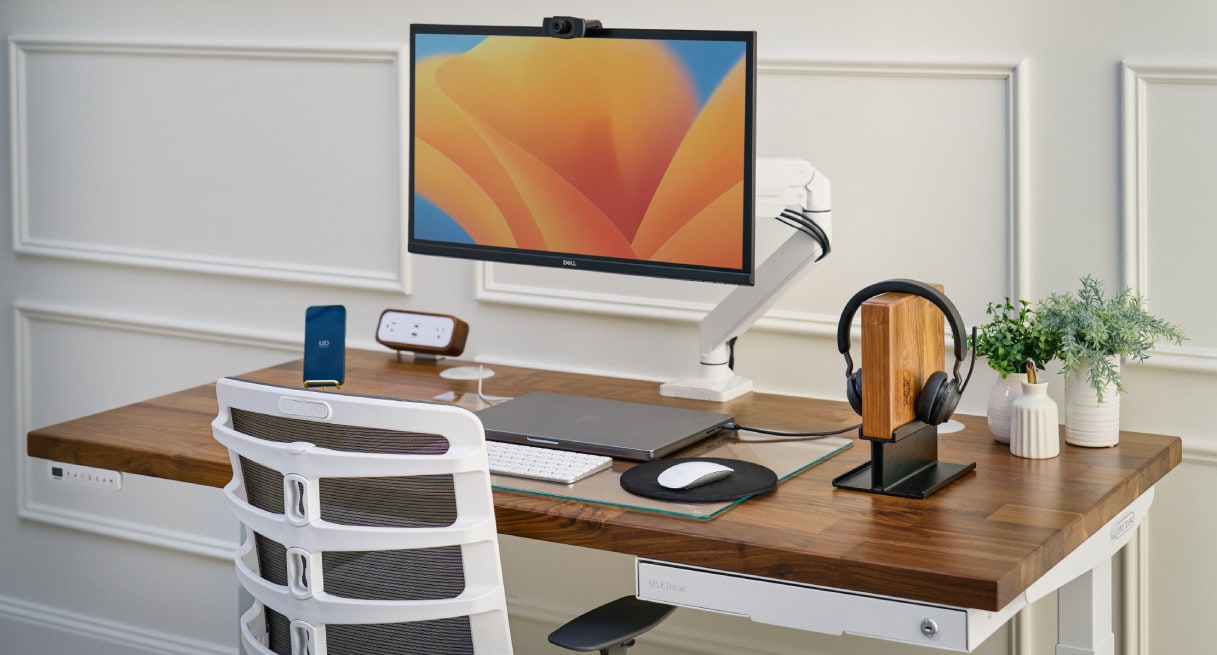
Buyer fit
Premium configurable default with V2 to V3 continuity drift in the live market.
MSRP
$599
Amazon
—
Overview
Uplift is still the premium default because it solves more future problems than most standing desks. If you care about getting the size right, choosing the top you actually want, and leaving yourself room for monitor arms, cable routing, or accessories later, it feels more like a desk platform than a one-off purchase.
The one thing buyers should understand up front is the naming drift. KB4UB still tracks this product row as Uplift V2, while the live storefront now pushes the V3 family. The buyer promise still looks close enough that the review is useful, but it is worth treating this as continuity across the same premium desk lane rather than pretending the naming stayed perfectly clean.
Ownership Experience
Living with Uplift is mostly about whether you value the payoff enough to accept a more involved start. There are more choices to make, more boxes to deal with, and more setup effort than with a simpler desk like Branch Duo or Vari. This is not a casual purchase, and it does not feel like one.
Once assembled, though, the desk earns its reputation. The controls feel polished, the height changes are easy to live with, and the broader fit range helps the desk stay useful as your workspace changes. The caution is that premium pricing can make buyers assume the whole experience will feel premium. The desk mostly does. The support and warranty side does not always match it.
Feature Breakdown
The best thing about Uplift is not one headline spec. It is how many little decisions it lets you get right. Size, top material, accessories, and controller quality all add up to a desk that feels deliberately chosen instead of merely acceptable.
That matters because standing-desk regret often comes from the boring stuff. A desk that is a little too small. A controller that makes presets annoying. A cable situation that never feels tidy. Uplift does a better job than most desks here of reducing those second-order annoyances before they become permanent.
Who Should Buy It
Buy Uplift if you want the broadest premium answer and know your workspace is not static. It is especially strong for buyers using dual monitors, more serious accessories, or a setup they expect to keep refining over time.
Skip it if your real goal is to get through checkout, assembly, and daily use with the least possible hassle. FlexiSpot makes a stronger value case, and Branch Duo or Vari feel simpler if you do not need Uplift’s extra depth.
Bottom Line
Uplift still earns its reputation because it balances fit, controls, and customization better than most direct rivals. The tradeoff is that you are paying for flexibility and taking on a little more setup and support complexity to get it.
If that sounds fair to you, it remains one of the smartest premium buys in the category.
Tell us what this page missed
These pages get better when real buyer complaints make it back into the scoring model. If something important is underweighted, say it.
Rate this review
Give it a score from 1-10 and tell us what to improve.
0/4000 characters