Reviewed in order: Uplift V2 Standing Desk · FlexiSpot E7 Pro · Branch Duo Standing Desk · Vari Electric Standing Desk · Secretlab Magnus Pro · Fully Jarvis Bamboo Standing Desk
Best Standing Desks in 2026: UX Review, Top Picks, and Buyer Fit Guide
We ranked six popular standing desks by the stuff that actually shapes life after checkout: stability, setup hassle, controls, support, and whether the desk fits the way you really work.
Uplift is still the safest premium default, FlexiSpot E7 Pro is the strongest performance-for-money buy, and Branch Duo is the easiest low-drama choice for smaller spaces.
00 · quick verdict
Uplift is the broadest premium recommendation, FlexiSpot E7 Pro is the smartest value-performance play, and Branch Duo is the best pick when you want a smaller-room desk that does not become a project.
Current winner
Uplift V2 Standing Desk
Best overall for buyers who want a premium desk they can size, tune, and keep for years.
MSRP
$599
Amazon
—
01 · best picks
The short list worth starting with.
#1 · Best overall
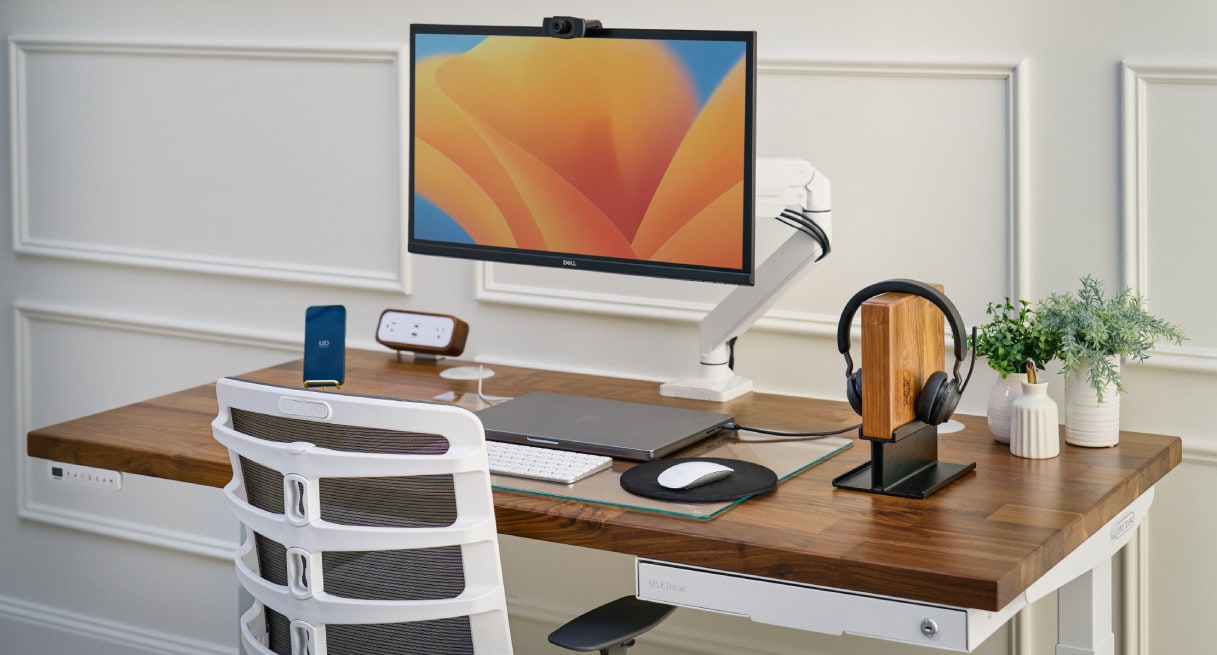
Uplift V2 Standing Desk
MSRP
$599
Amazon
—
Best overall for buyers who want a premium desk they can size, tune, and keep for years.
#2 · Runner-up
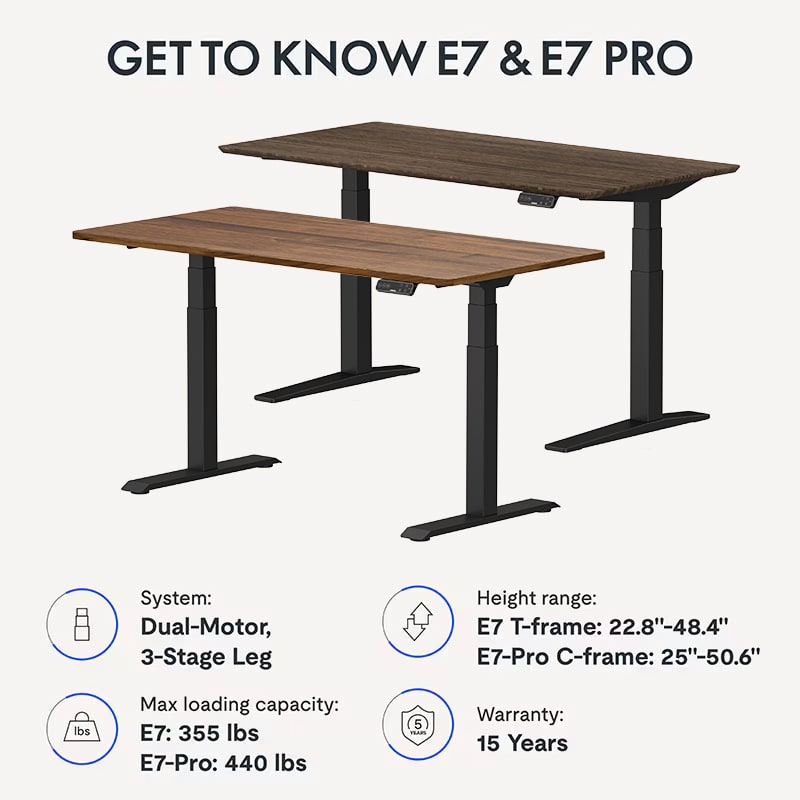
FlexiSpot E7 Pro
MSRP
$599.99
Amazon
—
Best value pick for buyers who care most about how the desk feels after setup.
#3 · Featured pick
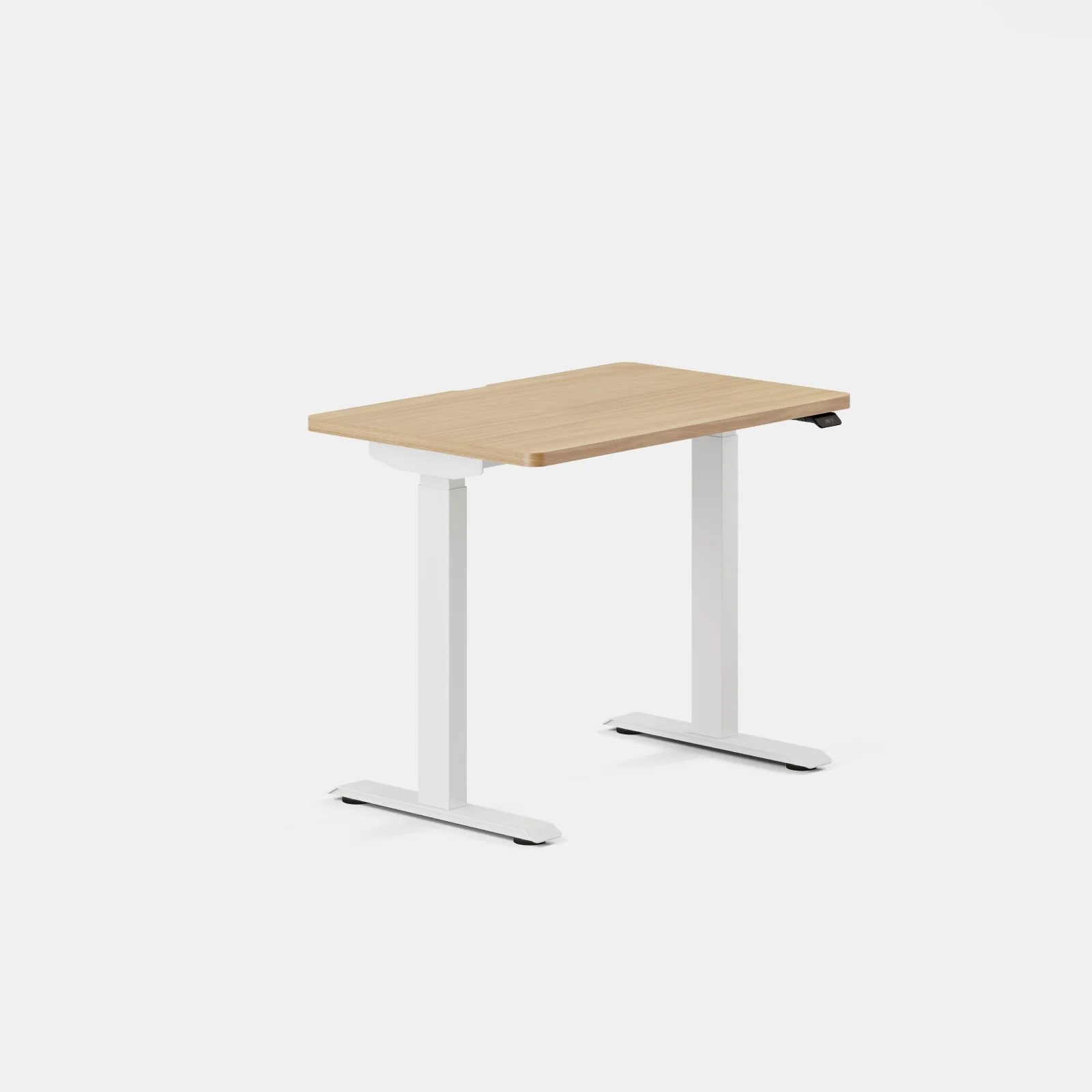
Branch Duo Standing Desk
MSRP
$499
Amazon
—
Best for small spaces and buyers who want the whole purchase to feel simple.
02 · Before You Buy
Most standing-desk regret starts before the desk ever arrives. Buyers talk themselves into a giant premium setup they do not really need, or they save money on a frame that is not happy once monitor arms and heavier gear show up. The trouble is that nearly every desk sounds good in isolation. What separates them is what happens after the checkout page.
Start with your real setup, not the version of your office you wish you had. If you run dual monitors, a heavy arm, speakers, or a tower on the desk, stability matters more than a pretty top finish. If your office is a bedroom, nook, or shared room, size, weight, and easy assembly matter more than a deep accessory menu you may never use. And if cable mess drives you crazy, good cable management can absolutely be worth paying for, but only if the rest of the desk still fits your needs.
It also helps to separate desk quality from company reliability. Some desks here are genuinely impressive once assembled, but still come with shakier shipping or support stories than you would want for something this heavy and expensive. In this category, that difference matters.
03 · score comparison
Compare the grades before you chase details.
| Grade | #1Uplift V2 Standing Desk | #2FlexiSpot E7 Pro | #3Branch Duo Standing Desk | #4Vari Electric Standing Desk | #5Secretlab Magnus Pro | #6Fully Jarvis Bamboo Standing Desk |
|---|---|---|---|---|---|---|
| Overall UX | 8/10 | 8/10 | 7/10 | 7/10 | 7/10 | 6/10 |
| Stability | 8/10 | 7/10 | 6/10 | 7/10 | 8/10 | 8/10 |
| Support Reliability | 7/10 | 6/10 | 8/10 | 5/10 | 6/10 | 4/10 |
| Assembly Experience | 7/10 | 8/10 | 8/10 | 8/10 | 7/10 | 6/10 |
| Motor Performance | 8/10 | 8/10 | 7/10 | 7/10 | 7/10 | 7/10 |
| Stability Under Real Load | 8/10 | 9/10 | 7/10 | 7/10 | 8/10 | 7/10 |
| Height Range and Buyer Fit | 9/10 | 8/10 | 7/10 | 8/10 | 7/10 | 8/10 |
| Support Confidence | 7/10 | 7/10 | 6/10 | 7/10 | 5/10 | 6/10 |
| Assembly and Onboarding | 7/10 | 7/10 | 9/10 | 9/10 | 6/10 | 6/10 |
| Controls and Daily Operation | 9/10 | 9/10 | 7/10 | 8/10 | 9/10 | 7/10 |
| Customization and Ecosystem | 10/10 | 8/10 | 6/10 | 5/10 | 8/10 | 7/10 |
| MSRP | $599 | $599.99 | $499 | $750 | $799 | $829 |
05 · product-by-product breakdown
Why each pick landed where it did.
#1 · Best overall · Uplift
Uplift V2 Standing Desk
MSRP
$599
Amazon
—
Uplift is the desk for buyers who already know they care about getting the details right. It feels less like a fixed bundle and more like a premium desk platform you can shape around your room, your gear, and the way you work.
liked
Owners and reviewers kept praising the same things: smooth movement, a controller that feels good enough to use every day, lots of size and top choices, and the sense that Uplift gives them room to build the desk they actually want instead of settling for a near match.
complaints
The weak spots were mostly the price of admission and the effort that comes with it. Setup is not the easiest in the group, taller-height wobble is still a fair caution for heavier rigs, and some buyers expected a more reassuring support story from a desk in this price lane.
best for
Buyers who want a premium default, care about long-term fit, and would rather pay once for the right setup than feel boxed in later.
skip if
Buyers chasing the easiest setup, the lowest price for strong frame performance, or the most planted feel at very tall standing heights.
Biggest issue
The main risk is paying for flexibility you may not need, then still discovering that a premium desk is not immune to normal headaches like wobble sensitivity, heavy-box setup, or support fine print.
Uplift wins because it makes sense for the widest range of serious buyers. If you want a premium desk that leaves you room to get the setup right, it is still the benchmark.
#2 · Runner-up · FlexiSpot
FlexiSpot E7 Pro
MSRP
$599.99
Amazon
—
FlexiSpot E7 Pro is the desk smart buyers keep circling back to because the everyday experience is better than the price positioning suggests. It feels like you spent more than you did, which is exactly why it ranks so high.
liked
People repeatedly liked the sturdy frame, confidence at standing height, polished preset controls, smooth lift action, and cable-management help that makes the desk feel more complete once it is actually in the room.
complaints
Most complaints were about the purchase journey, not the desk itself. Split shipments, damaged parts, delays, and mixed support follow-through showed up often enough to matter.
best for
Buyers who want premium-adjacent stability and controls without paying peak premium pricing, especially with heavier or multi-monitor setups.
skip if
Buyers who care more about a calm support experience than squeezing maximum desk performance out of their budget.
Biggest issue
The biggest question is whether you can tolerate some uncertainty if something arrives wrong. That matters because this is exactly the kind of heavy product where a bad support loop gets old fast.
If you judge a standing desk mainly by how it works once assembled, E7 Pro is one of the best buys here. It is the value pick because the desk earns that label, not because it feels cheap.
#3 · Featured pick · Branch
Branch Duo Standing Desk
MSRP
$499
Amazon
—
Branch Duo feels like it was designed by someone who understands that a lot of people do not want a standing desk hobby. They want a desk that fits the room, goes together without drama, and quietly does the job.
liked
Owners liked the compact footprint, straightforward assembly, clean design, quiet movement, and the fact that problems seemed more recoverable here than with many heavier or more complex desks.
complaints
The tradeoffs showed up when buyers compared it with more ambitious desks. The controller is less polished, the preset limit is tighter, and the frame is less convincing for heavier or more accessorized setups.
best for
Apartment dwellers, bedroom-office buyers, and first-time standing-desk shoppers who want an easy win instead of a complicated project.
skip if
Buyers planning heavier rigs, deeper accessory use, or a desk they expect to keep stretching into more demanding territory.
Biggest issue
The biggest risk is not that Duo is bad. It is that its simplicity can become a limit if your setup grows past what a smaller, lighter-duty desk is happiest handling.
Branch Duo is one of the easiest recommendations here because it stays honest about what it is. For smaller rooms and simpler setups, that honesty is a strength.
#4 · Ranked #4 · Vari
Vari Electric Standing Desk
MSRP
$750
Amazon
—
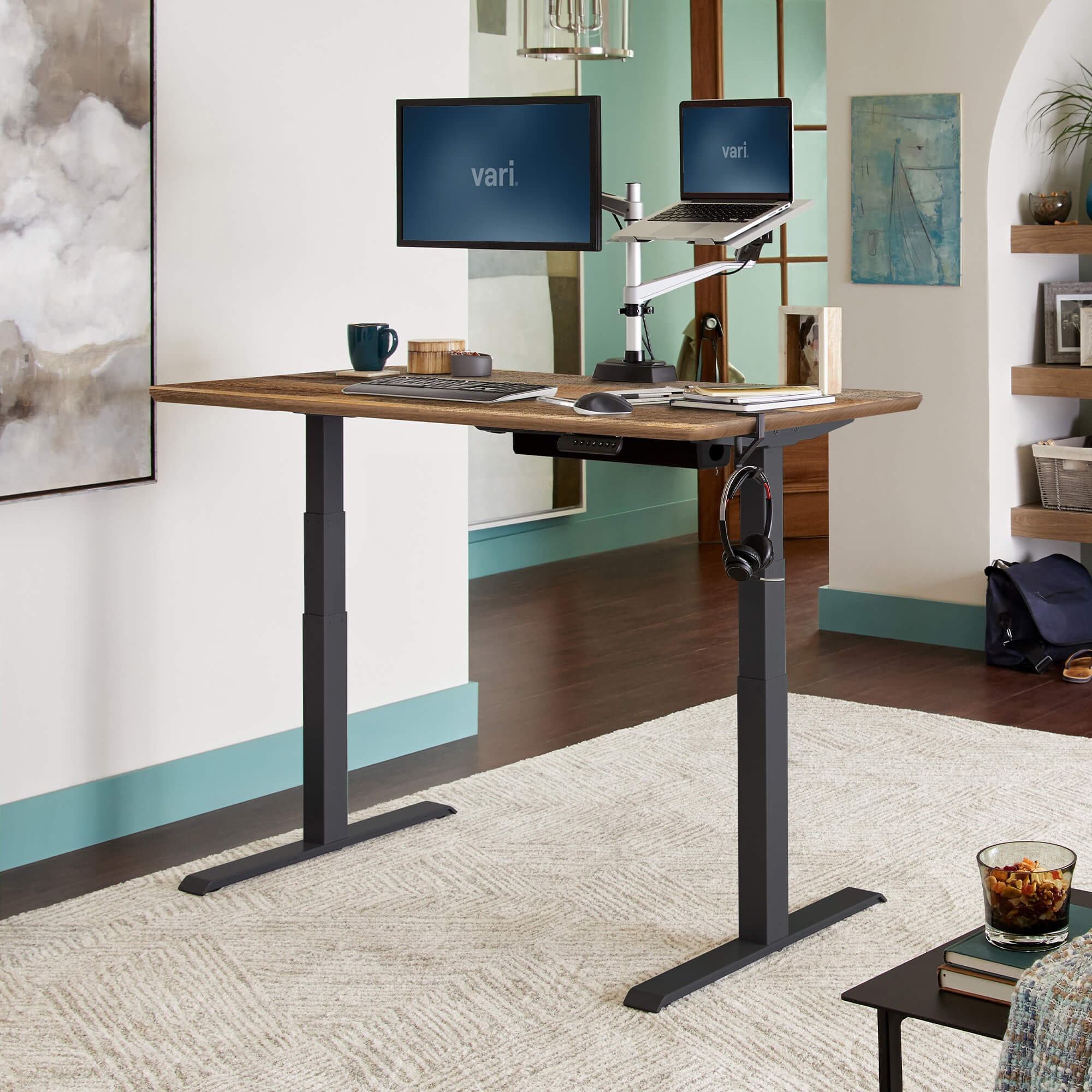
Vari is still the desk for people who want this category to feel normal. It is easy to picture in a home office or corporate setup because almost everything about it is aimed at reducing day-one friction.
liked
People liked the easy assembly, quiet motion, intuitive presets, and office-friendly design. It is the kind of desk that feels reassuring quickly, which is a real advantage for buyers who do not want to overthink the purchase.
complaints
The weak spots were limited customization, a less aggressive value case than some newer rivals, and enough support complaints to undercut the calm mainstream image.
best for
Buyers who want a polished office desk, simple setup, and a desk that feels straightforward rather than enthusiast-oriented.
skip if
Buyers shopping hard on value, deep customization, or long-term platform flexibility.
Biggest issue
The main issue is the gap between a desk that feels easy to like and a company-level service story that is not as reassuring as the best options here.
Vari is still a good mainstream office desk. It just no longer feels like the obvious answer once you compare it with stronger value picks and more flexible premium ones.
#5 · Ranked #5 · Secretlab
Secretlab Magnus Pro
MSRP
$799
Amazon
—
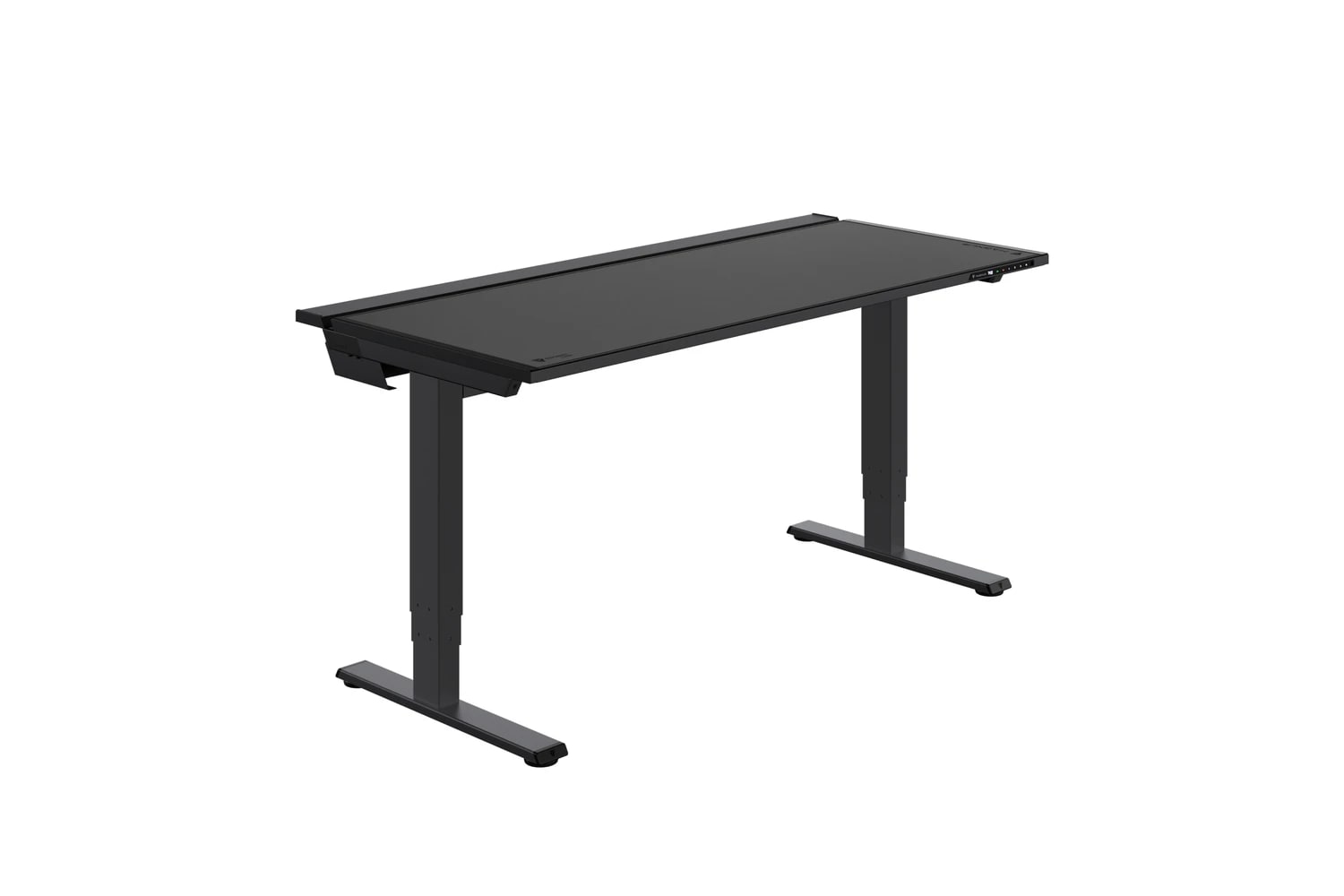
Secretlab Magnus Pro makes the strongest case when you are shopping for a clean battlestation, not just a standing desk. Its best features are concrete and useful, but they are not universal.
liked
Buyers and reviewers loved the cable tray, integrated power design, magnetic accessories, premium finish, and controls that make the desk feel unusually deliberate instead of generic.
complaints
The common complaints were predictable: high total cost once accessories enter the picture, heavy setup, and the feeling that some of the value disappears if you are not buying into the ecosystem on purpose.
best for
Gamers, creators, and setup-obsessed buyers who care deeply about hidden cables, visual cleanliness, and branded accessories that work together.
skip if
Buyers who mainly need a stable office desk and would rather spend their budget on core desk value than ecosystem polish.
Biggest issue
The biggest risk is paying for a very specific kind of polish that will not matter much if your real need is just a good work desk.
Magnus Pro is one of the strongest niche recommendations in the group. It is great at what it is built to do, but you should have a specific reason for wanting that.
#6 · Ranked #6 · Fully
Fully Jarvis Bamboo Standing Desk
MSRP
$829
Amazon
—
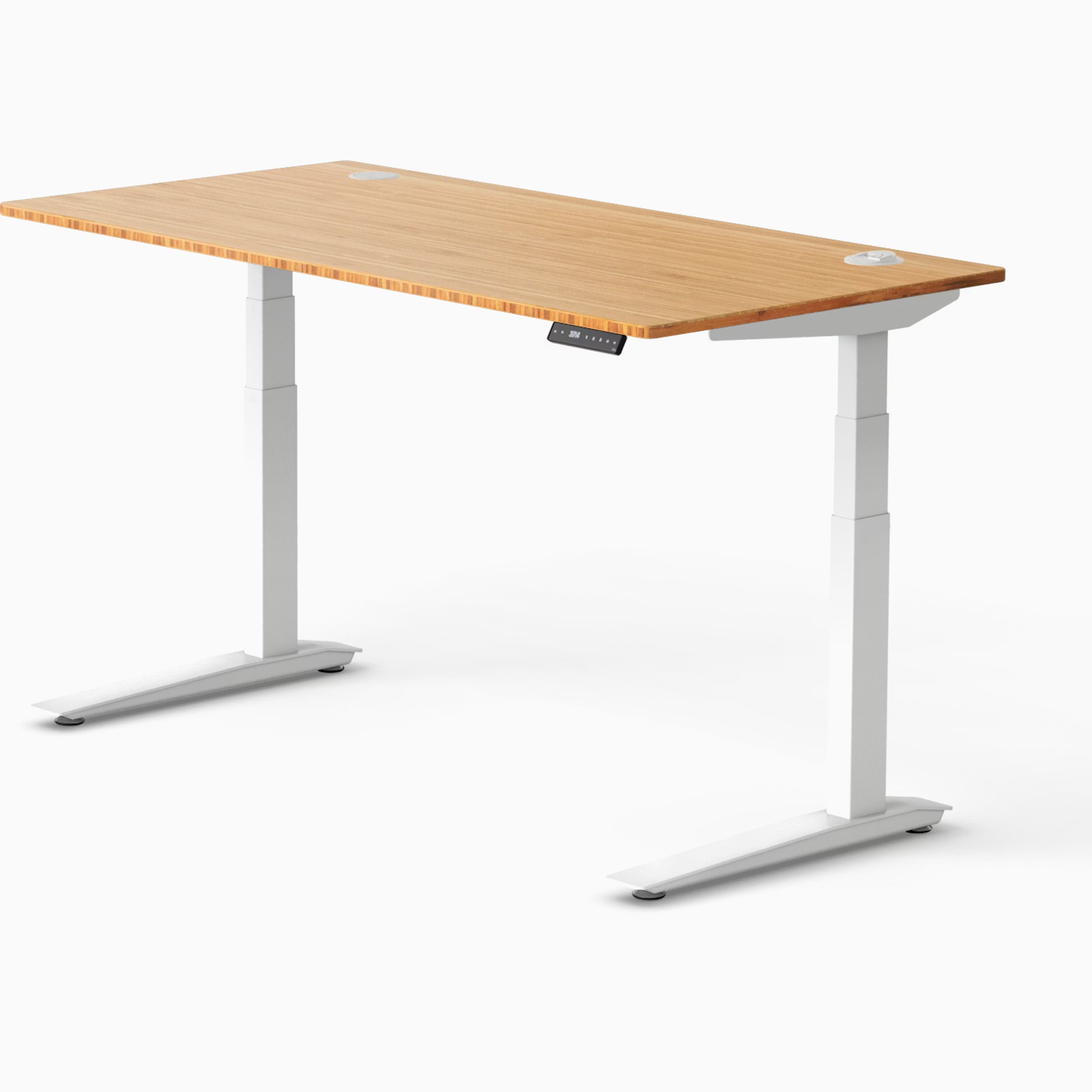
Jarvis still looks like the desk many buyers remember liking, which is part of what makes this one tricky. The product has real aesthetic appeal, but the buying story around it is no longer as clean or easy as the old reputation suggests.
liked
People still liked the bamboo top, the warmer home-office look, the solid everyday feel, and the fact that the fit range remains better than a lot of desks that look more ordinary.
complaints
The drag came from the current reality around the desk: muddier continuity, shakier support confidence, and a price that is harder to defend now that stronger current alternatives are easier to point to.
best for
Buyers who specifically want the Jarvis bamboo lane and are comfortable treating it as a taste-driven purchase rather than the safest broad recommendation.
skip if
Buyers who want the clearest premium default, the strongest value, or the most reassuring support story if something goes wrong.
Biggest issue
The biggest issue is trust. Jarvis now leans more on what buyers remember than on the cleanest current ownership case, and that matters in a category where support and continuity are part of the product.
Jarvis can still make sense if the look is the reason you are shopping. If not, the easier recommendations in this group are easier for a reason.
05 · How This Review Works
This is a UX-first comparison. We scored these desks on the stuff that tends to decide whether owners stay happy: support reliability, value, stability under a real load, height range and fit, assembly, controls, and customization or ecosystem depth.
The evidence blends official product details, editorial testing, policy and warranty checks, and hundreds of public owner signals. That matters because a desk can be excellent in daily use and still be harder to recommend if damaged shipments or replacement-part issues keep showing up. It also means a simpler desk can rank well when it clearly saves buyers from extra hassle they did not need.
Use the score grid for the fast read. Use the product cards for the part that actually helps you buy better.
06 · Best Fit for You
Choose Uplift if you want the broadest premium default and the most room to tailor the desk to your space. Choose FlexiSpot E7 Pro if you want the strongest performance-for-money case and can accept more risk around shipping or support. Choose Branch Duo if your biggest priority is keeping the whole purchase simple in a smaller room.
Choose Vari if you want a polished office-first desk and care more about smooth onboarding than deep customization. Choose Secretlab Magnus Pro only if cable management and ecosystem accessories are central to why you are shopping. Choose Jarvis mainly if the bamboo look is the point and you are comfortable with more continuity and support uncertainty than the better current picks.
07 · What to Do Next
Use the rankings to narrow the field, then sanity-check your actual setup. Measure your room. Think about monitor weight, arms, speakers, and whether more than one person will use the desk. If support risk would really bother you, lean toward the calmer ownership stories. If cable mess is the thing that drives you crazy every day, give that proper weight too.
Then compare the desks that still fit. The best standing desk is not the one with the flashiest pitch. It is the one whose compromises still look acceptable after the boxes show up at your door.
Feedback loop
Tell us what this page missed.
These pages get better when real buyer complaints make it back into the scoring model. If something important is underweighted, say it.
Rate this review
Give it a score from 1-10 and tell us what to improve.
0/4000 characters