
The recommendation
Consider the HB6550 if its three-step volume adjustment fits how often you expect to change the sound level.
Grades at a glance
| Product | Overall | Handling and placement | Everyday controls | Power and cables |
|---|---|---|---|---|
| HelloBaby HB6550 5-inch No WiFi Baby Monitor | 8.3 | 9.0 | 7.0 | 9.0 |
Does it fit your life?
For buyers comfortable with a three-step volume chore
The HB6550 is worth considering if you are comfortable with a three-step volume adjustment. That is how HelloBaby describes the task on its product page, which refers readers to the manual. If you change volume often, compare a dedicated-button model before deciding. See HelloBaby’s HB6550 page.
The manufacturer also describes extending the screen antenna and plugging in the camera. Those are separate parts of the routine: a direct physical action does not make the volume controls equally direct.
One direct antenna-handling action
HelloBaby describes extending the screen’s antenna. Think about whether this parent-unit action is more relevant to your routine than moving a camera into a bag or opening a display stand. See HelloBaby’s HB6550 page.
Volume selection takes extra steps
HelloBaby calls volume adjustment a three-step task and points to section 8.2 of its manual. If you expect to make frequent changes, a model with dedicated volume buttons may suit you better. See HelloBaby’s HB6550 page.
The camera plug-in task
HelloBaby describes plugging in the camera as the power task. That direct action is the useful point of comparison with the other products’ adapter and cable chores. Consider it alongside the three-step volume adjustment, rather than letting either task stand in for the whole routine. See HelloBaby’s HB6550 page.
Direct buttons or a different setup sequence
The Infant Optics DXR-8 PRO is the clearer alternative for dedicated brightness and volume buttons. The eufy E21 offers a different tradeoff: the manufacturer describes camera packing, while app setup requires account, code and device-button steps. HB6550 and E21 have equal overall scores in this comparison, so choose the chores that suit you. See the guide’s control comparison.
HelloBaby HB6550 5-inch No WiFi Baby Monitor
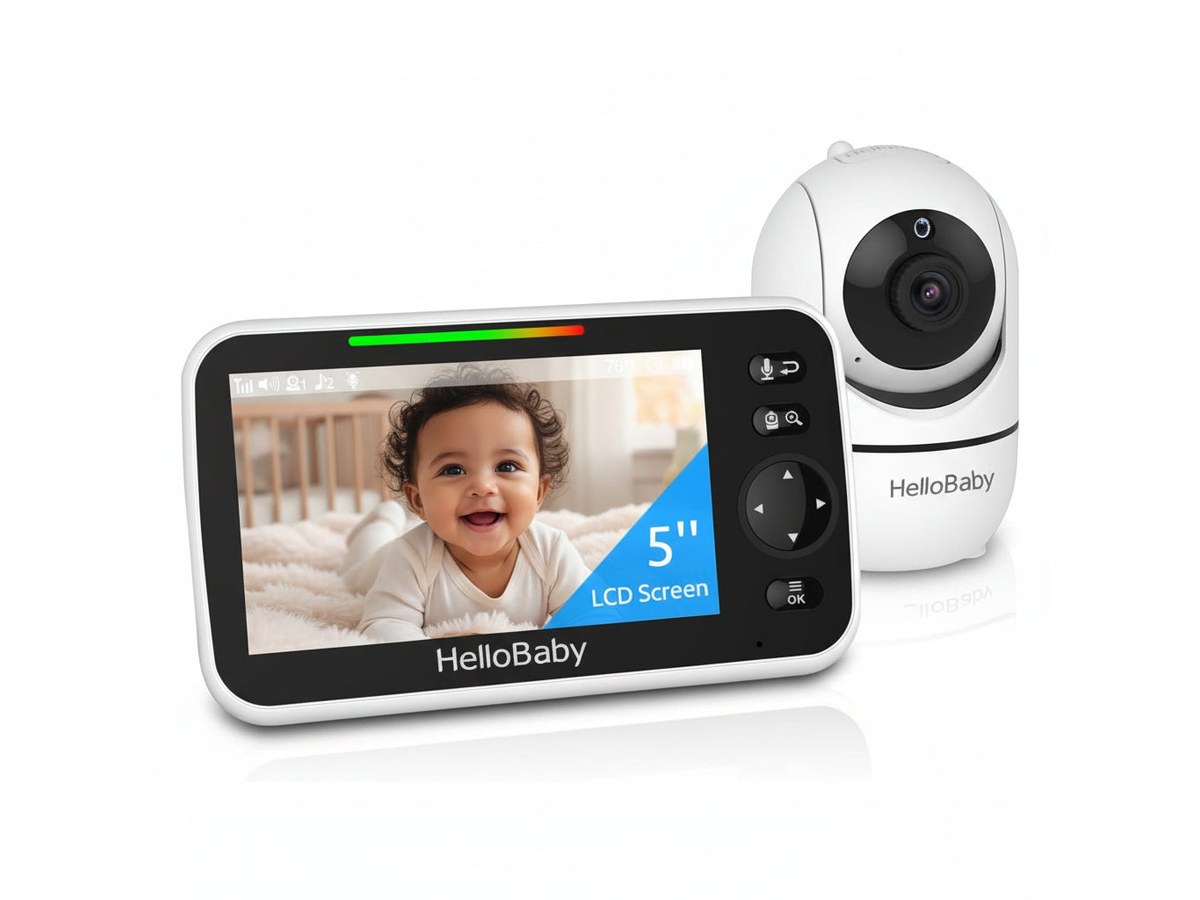
HelloBaby
Buyers comfortable with a three-step volume adjustment.
HelloBaby describes extending the screen antenna and plugging in the camera. The control tradeoff is volume: its product page describes a three-step adjustment.
Reasons to choose it
- Manufacturer describes extending the screen’s antenna.
- Camera power begins with a plug-in task.
Tradeoffs to know
- Manufacturer describes volume adjustment as three steps.
Think twice if: You want a dedicated volume shortcut for frequent changes.
Published specifications
- Camera power task
- Plug in the camera
- Parent-unit handling
- Extend the screen antenna
- Volume adjustment
- Described as three steps
Further reading
Ratings
Editorial score 8.3
Handling and placement9
The manufacturer describes extending the screen’s antenna as a direct handling action.
Everyday controls7
HelloBaby describes volume adjustment as three steps and refers to its manual.
Power and cables9
The manufacturer describes plugging in the camera as the power task.
Sources & further reading
hellobaby-monitor.com product information
Keep reading
Something changed? Help us keep this useful.
Send a correction →